If you have gone looking for eBay Markdown Manager lately and could not find it, you are not going mad.
eBay renamed it. Twice.
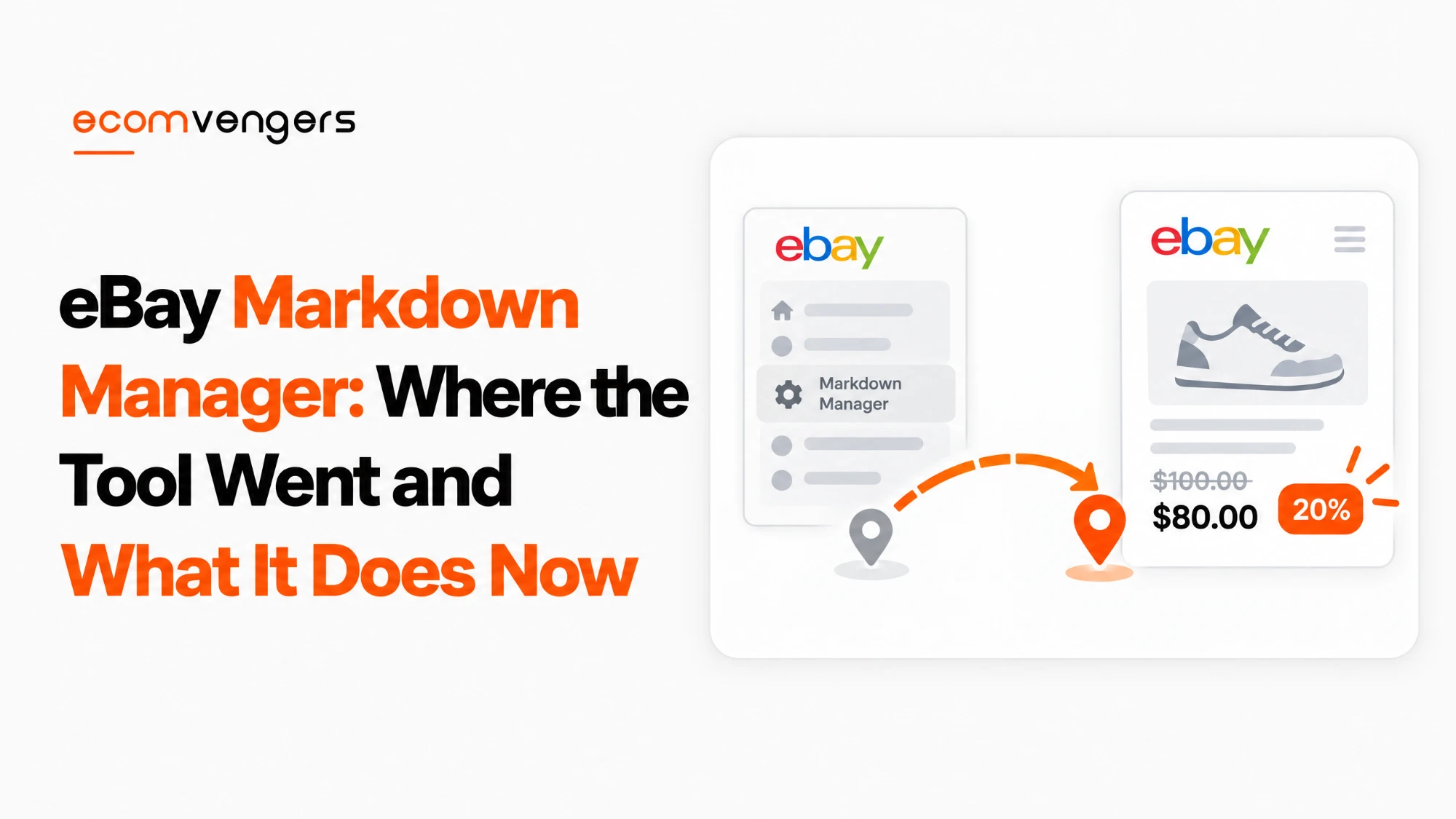
Markdown Manager became Promotions Manager, and Promotions Manager became Discounts Manager. The old Seller Center address still redirects, which is the tidiest proof you will get.
The tool itself survived all of that. What used to be a markdown is now a sale event, and it sits under Discounts on the Marketing tab.
It also gained four siblings and a set of rules about which discount wins when two collide.
Those rules are where the money is, and they are the part nobody reads until a coupon silently fails to apply.
Key Takeaways
- eBay now calls it a sale event, inside Discounts Manager on the Seller Hub Marketing tab.
- Only Store subscribers get it. Without a Store you cannot create any of these discounts.
- Listings must be fixed price with Buy It Now. Auctions are not eligible.
- Five discount types exist: sale events, volume pricing, coupons, shipping discounts and order discounts.
- You cannot edit the discount value after launching a sale event. You can still change the end date, the name and the inventory.
- Sale events take up to 10,000 items, while order offers cap at 500 SKUs.
- Buyers see discounts in red font in list view, plus the item page, cart, checkout and your Store pages.
- Coupons stack with sale events and shipping discounts, but never with order discounts or volume pricing.
- A Best Offer beats a coupon. If an item has Best Offer or Offers to Buyers running, the coupon cannot apply.
- When discounts collide the buyer gets the best one, and sees only one offer message at a time.
- Discounts do not directly improve Best Match, by eBay’s own statement, though the resulting sales still count.
- Offers can be scheduled ahead and set to deactivate automatically.
Where eBay Markdown Manager Went
It is now the sale event feature inside Discounts Manager, reached from the Marketing tab in Seller Hub.
The renaming is the reason so many guides send you to a menu that no longer exists.
eBay’s help page now carries the title Discounts Manager, while its URL still ends in promotions-manager, which tells you how recent the change is.
The Seller Center page for markdown sale events now redirects to a Seller Hub Discounts address. Same tool, third name.
Two eligibility rules decide whether any of this is available to you.
eBay restricts Discounts Manager to Store subscribers, and your listings must use fixed price format with Buy It Now pricing.
So auction sellers without a Store have nothing to configure here, and no amount of hunting through the menus will change that.
What a Sale Event Does to the Price Buyers See
A sale event shows a before and after price for a limited period rather than permanently rewriting your listing price.
That distinction is the whole appeal, because your original price returns intact when the sale ends.
eBay states that sale prices appear in search results and on the view item page, and that buyers see available discounts in red font in the list view.
Discounts also surface on the item page, the shopping cart, the checkout page, your Store’s Discounts page and your Store’s All Offers page.
So a sale event buys visible price movement in the results themselves, which a quiet price cut does not.
One honest note before you plan around the display. eBay describes this two ways across its own pages.
The general Discounts Manager page says items appear at the advertised price with the discount applied in the buyer’s shopping cart. The sale event documentation says the item’s price on eBay reflects the sale event and contrasts this with order discounts, which only apply at checkout.
For sale events specifically, treat the sale event documentation as the closer source, and check your own listing once the event is live rather than assuming either description.
Key point: a sale event is an overlay, not an edit. When it ends your items return to their original price without you touching anything, which is why it beats manually cutting and restoring prices.
The Five Discount Types Inside eBay Discounts Manager
Discounts Manager holds five distinct offer types, and the sale event is only one of them.
Picking the wrong one is how sellers end up discounting far more than they meant to.
| Type | What it does | Best used for |
|---|---|---|
| Sale event | Reduces prices for selected items or categories | Clearing a line, seasonal pushes |
| Volume pricing | Tiered discounts for multiple quantities of one item | Consumables and multipacks |
| Coupon | A coded discount you share with chosen buyers | Repeat custom, targeted offers |
| Shipping discount | Time-bound or conditional free postage | Raising order size, seasonal peaks |
| Order discount | Discount based on order size or amount spent | Basket building, buy one get one |
Volume pricing is the most mechanical of them. eBay’s own example runs one shirt at full price, two at 5% off, three at 10% and four or more at 15%.
Shipping discounts carry a visibility note worth reading twice. eBay says listings offering time-bound free postage with delivery in one to three days have a greater chance of visibility on the search results page.
Coupons behave differently again, because they are the only type you hand to a specific person. eBay lets you share a coded coupon to Facebook, Twitter, Pinterest, WhatsApp or email, with a caption of up to 280 characters.
When to Reach for Each of the Other Four
Pick the discount type by the behaviour you want from the buyer, not by which one you understand best.
Each of the four non-sale-event types changes a different decision.
Volume pricing moves units, not browsers
Volume pricing rewards a buyer for taking more of the same item, so it suits consumables and anything people genuinely buy in multiples.
You name the discount, choose the tiers, then add inventory. eBay lets you select up to 500 individual items, or paste up to 500 item IDs or SKUs.
You can also build category rules with price, condition or brand filters, and exclude up to 100 items, SKUs or categories from them.
Save a draft if you are not ready, then set the date range and launch when you are. You can also create volume pricing straight from the active listings tab or while listing an item.
Coupons target a person rather than a listing
A coupon is the only type you hand to someone specific, which makes it the right tool for winning a second order.
eBay suggests printing a code into the parcel to encourage repeat purchases, which costs you nothing until somebody uses it.
It also lets you discount a customer rather than a price. Your listing price stays where it is, which protects the number every other buyer sees.
You control the exposure with a minimum spend, an expiry date and a budget, so a coupon cannot run away with your margin the way a blanket percentage can.
One quirk if you build it on the mobile app. The code has to be unique across the whole of eBay, and the campaign starts the moment you launch it.
Shipping discounts buy something the others do not
Shipping discounts let you offer time-bound or conditional free postage, and they come with a visibility note the other types lack.
eBay states that listings offering time-bound free postage with delivery in one to three days stand a greater chance of visibility on the search results page.
That is a rare case of a discount tool carrying an explicit visibility claim from eBay itself, so weigh it differently from the rest.
You set a start and end date, and you can attach purchase conditions such as a minimum spend or quantity. The discount only applies while the offer runs and the buyer has started checkout.
Order discounts grow the basket
Order discounts key off order size or total spend, and they cover the buy one get one free style offer as well.
They behave differently at the till. An order discount waits until checkout rather than changing what the item shows at.
Worth knowing: set up an ongoing event with restricted inventory rules for lines you discount regularly. eBay rotates the inventory automatically as discounts end and new items qualify, so the campaign maintains itself.
How to Create an eBay Sale Event
Open the Marketing tab in Seller Hub, select Discounts, then Create discount, then Sale event.
The whole thing takes a few minutes once you know where the menu moved to.
Set the discount type first. eBay offers Percentage Off, Amount Off, or Sale Event Only, then you set the value.
Give the event a duration and a name. The name matters more than it sounds, because you will be reading it in a dashboard later alongside several others.
Then add inventory, and you have four ways to do it: by item details, by item ID or SKU, by specific eBay or Store categories, or by selecting all your inventory.
eBay advises against that last option in plain terms. Running one discount across an entire Store shows buyers unrelated items they have no interest in, so targeted campaigns by category or brand work better.
You can also schedule the whole thing. Offers can be set to activate at a future date and time and to deactivate automatically, which suits a seasonal calendar.
The Limits That Catch Sellers Out
You cannot change the discount value once a sale event has launched, which is the trap that costs the most.
eBay is specific about what remains editable afterwards.
You can edit the end date and the sale name, and you can edit the inventory in the event. The discount values are fixed from launch.
So a 30% event you meant to set at 20% cannot be corrected in place. You end it and build another, having sold at 30% in the meantime.
Inventory rules stay flexible, and you can change the SKU list whenever you like, provided at least one SKU remains listed or the offer goes inactive.
Two different size limits, and people confuse them
Sale events and order offers do not hold the same number of items.
You can list up to 10,000 items in sale event campaigns, which is enough for most Stores to run a genuine seasonal push.
Order offers cap at 500 SKUs, and volume pricing works in the same 500 item territory with an option to exclude up to 100 items, SKUs or categories.
If you need to discount more than 500 SKUs, eBay’s own advice is to select by Store category instead, or to create a second Store category specifically to hold the discounted items.
Worth knowing: build a Store category for discounting before you need it. Selecting by category sidesteps the SKU ceiling entirely and turns a future sale into a two minute job.
How eBay Discounts Stack, and Which One the Buyer Gets
Coupons stack with sale events and shipping discounts, and never with order discounts or volume pricing.
That one sentence prevents most of the confusion about why a code did not work.
When several discounts run on the same item at once, eBay gives the buyer the best available discount.
Multiple offers can apply to the same inventory, but the buyer sees only one offer message at a time, so your carefully layered campaign reads as a single deal.
There is one override worth memorising. If an item has Best Offer or Offers to Buyers running, the offer takes priority and the coupon will not fire at all.
So negotiation beats couponing on the same listing, which matters if you use both as pricing levers. For where a discount fits against your list price in the first place, see our eBay pricing strategy guide.
Before layering anything, work out what the sale actually leaves you. The fee applies to the discounted total, and our guide to how eBay seller fees are calculated covers which band your category sits in.
Key point: running Best Offer and a coupon on the same item is not a double incentive. The offer wins, the coupon is ignored, and you have built a promotion that cannot fire.
Does a Sale Event Improve Your Best Match Position?
Not directly, and eBay says so itself rather than leaving it to speculation.
This is the question every discounting guide answers with a confident guess, so the primary source is worth quoting carefully.
eBay states there is no silver bullet for a good position in search, and that creating and promoting discounts will not directly give your listings an advantage in search results rank.
It then adds the part that matters. Sales of items carrying a special offer still count as a sale for that listing.
So the mechanism is indirect. The discount does not lift you, the sales it produces contribute like any other sales.
That is a meaningful distinction when you are deciding whether to discount for visibility. Discounting to be seen is a weak plan, and discounting to convert traffic you already have is a reasonable one.
What Best Match actually weighs is set out in our explainer on how eBay Best Match works, and advertising is a separate lever again, covered in our guide to eBay Promoted Listings.
Reading the Discounts Dashboard Without Fooling Yourself
The dashboard reports base sales, discount sales and sales lift, and only one of those three is an achievement.
eBay defines them plainly. Base sales are sales without a discount activated, discount sales are sales with one, and sales lift is discount sales divided by total sales.
Read that definition of sales lift again, because it is a share rather than a gain.
A high sales lift tells you most of your sales carried a discount. It does not tell you those sales would have been lost without one.
Some of that volume was always going to convert, and you discounted it anyway. That is the same incrementality problem advertising has.
The honest test is a comparison across periods rather than the lift figure alone. Run the event, then compare total margin against a comparable period without one.
You can filter by offer type and status and download the reports, which makes that comparison practical rather than theoretical.
FAQs About eBay Markdown Manager and Sale Events
Where is eBay Markdown Manager now?
It is the sale event feature in Discounts Manager. Go to the Marketing tab in Seller Hub, select Discounts, then Create discount, then Sale event.
Do I need an eBay Store to use Markdown Manager?
Yes. Only eBay Store subscribers get Discounts Manager, and your listings must use fixed price with Buy It Now.
Can I run a sale event on an auction?
No. Eligibility requires fixed price format with Buy It Now pricing, so auctions do not qualify at all.
Can I change the discount after launching a sale event?
No. You can edit the end date, the name and the inventory, but eBay locks the discount values the moment the event goes live.
How many items can a sale event hold?
Up to 10,000 items in sale event campaigns. Order offers cap at 500 SKUs, a separate limit people often conflate with this one.
What if I need to discount more than 500 SKUs?
Select items by Store category instead. eBay suggests creating a second Store category specifically to hold the items you want discounted.
Do discounts help my Best Match ranking?
Not directly, by eBay’s own statement. The sales a discount produces still count as sales for the listing, so the benefit is indirect.
Can I stack a coupon with a sale event?
Yes. Coupons stack with sale events and shipping discounts, but not with order discounts or volume pricing.
Why is my coupon not applying to an item?
Check whether the item has Best Offer or Offers to Buyers running. The offer takes priority and the coupon will not apply.
Which discount does a buyer get if several apply?
The best one available to them. Multiple offers can apply to the same item, but buyers see only one offer message at a time.
Can I schedule a sale event in advance?
Yes. You can set an offer to activate at a future date and time and to deactivate automatically, and you can put a live offer on hold or end it early.
Should I put my whole Store on sale?
eBay advises against it. A Store-wide discount shows buyers unrelated items they have no interest in, so targeted campaigns by category or brand perform better.
What does sales lift actually measure?
Discount sales divided by total sales. It is the share of your sales that carried a discount, not proof those sales needed one.
Can I set up volume pricing without going to the Marketing tab?
Yes. You can create volume pricing from the Seller Hub active listings tab, or while you are listing an item.
How do I stop a discount eating my margin?
Use a coupon rather than a percentage across a category. Coupons take a minimum spend, an expiry date and a budget, so your exposure has a ceiling.
Which discount type helps visibility?
Shipping discounts carry the only explicit claim. eBay says listings with time-bound free postage and one to three day delivery stand a greater chance of visibility in search results.
Do I have to rebuild a sale event every season?
No. Run an ongoing event with restricted inventory rules and eBay rotates items through it automatically as discounts end and new stock qualifies.
Find the Menu, Then Mind the Rules
Most of the difficulty with eBay Markdown Manager is that it stopped being called that, and the guides never caught up.
Once you find it, the tool is straightforward. The rules around it are where the money leaks.
Work through it in this order.
- Confirm you have a Store subscription and that the listings are fixed price with Buy It Now.
- Go to Seller Hub, Marketing tab, Discounts, Create discount, Sale event.
- Decide the discount value carefully, because you cannot change it after launch.
- Target by category or SKU rather than selecting all inventory, which eBay specifically advises against.
- If you have more than 500 SKUs to discount, build a Store category to hold them instead.
- Check whether Best Offer is running on those items, because it will override any coupon.
- Schedule the start and end rather than remembering to switch it off.
- Judge the result on margin across comparable periods, not on the sales lift figure.
And if the aim was visibility rather than conversion, reconsider. eBay has said plainly that discounts do not directly improve your position, so a sale event is a tool for converting attention you already have.
Sources
- eBay’s Discounts Manager help page, for the Store subscriber requirement, the fixed price and Buy It Now eligibility rule, the five discount types, the sale event creation steps and discount type options, what remains editable after launch, the volume pricing tiers and 500 item limits, coupon creation and the 280 character sharing caption, the coupon stacking rules, the best discount winning when several apply, the Best Offer override, and the shipping discount visibility note.
- Seller Center’s guidance on sale events, for before and now pricing, sale prices appearing in search results and on the view item page, the red font in list view, the other placements including cart and checkout, the advice against Store wide discounts, the 10,000 item campaign limit, the 500 SKU order offer limit and the Store category workaround, scheduling and automatic deactivation, the statement that discounts do not directly improve Best Match while their sales still count, and the dashboard definitions of base sales, discount sales and sales lift.
- Seller Hub itself, and the Marketing tab that holds all of this, is documented on the Seller Hub page, which also confirms the tool is free to use.
Zaman Khan is the eBay and TikTok Shop expert at EcomVengers. He covers the commercial side of selling: fees, pricing, profit tracking, shipping, listing tools and the account decisions that shape a store. He writes our guides on what eBay actually charges and how to run a catalogue efficiently.
View all posts by Zaman Khan