An eBay account warning rarely announces itself as one.
It arrives as a removed listing, a red banner in Seller Hub, or a projected seller level that has quietly turned amber.
eBay names the warning as one of four actions it can take when a seller breaks a rule. It then publishes almost nothing about what one looks like.
That gap matters, because a warning is the last stage that costs you nothing.
By the time a seller reaches our suspension team, that cheap stage has usually come and gone unnoticed.
This guide covers each form an eBay account warning takes, where to find it, how to tell a real one from a fake, and what to do before it turns into a restriction.
Key Takeaways
- eBay lists four enforcement actions: removing a listing, issuing a warning, restricting activity and suspending the account.
- Its wording is “as an example only”, so eBay does not promise to use them in order.
- A removed listing is a warning in practice, and eBay sends the reason to your email and your Messages.
- Fee refunds on removed listings depend on your history of following eBay policy.
- Relisting a removed item without asking eBay first can lead to suspension and, in some cases, legal action.
- eBay can hide a listing until you fix it, then restore it once it approves the change.
- The “Your seller account is at risk” banner usually points at tracking or an unresolved buyer issue.
- In September 2025 that banner fired in error across many accounts, which eBay staff confirmed as a sitewide fault.
- Your seller level is evaluated on the 20th of each month, and the dashboard shows a projected level in advance.
- Real eBay warnings always appear in Messages. If a copy is missing there, eBay did not send it.
- A restriction can stop you replying to messages or updating your personal details.
- eBay publishes no warning count and no expiry date, so treat every warning as permanent until proven otherwise.
What an eBay Account Warning Actually Is
An eBay account warning is eBay telling you that something on your account breaks a rule, before it restricts what you can do.
The rules and policies page lists the possible actions as removing the listing or other content, issuing a warning, restricting activity, or suspending the account.
The same sentence closes eBay’s individual policies too. You will find it word for word at the foot of the search manipulation policy, for example.
Notice the phrase “as an example only”. eBay does not commit to a ladder, so a serious breach can go straight to suspension.
That is why a warning deserves more attention than it usually gets. It is a courtesy eBay is not obliged to extend twice.
Why eBay never defines an eBay account warning
eBay has no help article called “account warnings”. Its Your account status section holds a single page, and that page covers restrictions and suspensions.
So the warning lives inside other notices. Each form below is a warning in function, even when the word itself never appears.
The Five Forms an eBay Account Warning Takes
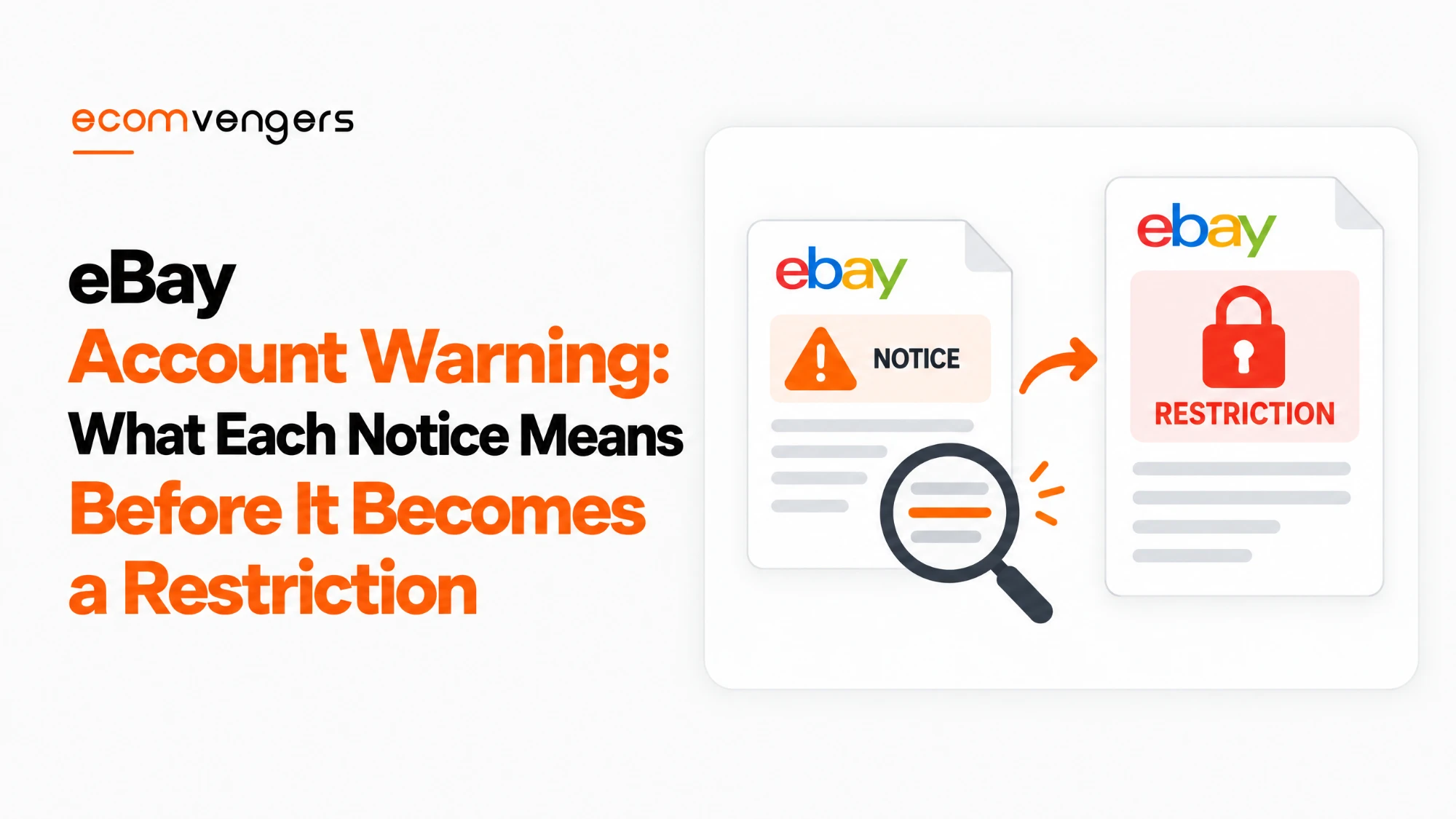
An eBay account warning comes in five forms: a listing removal notice, an “at risk” banner, a performance projection, a policy issue in Seller Help, and the restriction notice itself.
The last one is not really a warning. By then the cheap stage is over, but it often names the earlier problems you missed.
| Form | Where it appears | What eBay is telling you | First move |
|---|---|---|---|
| Listing removed or hidden | Email and Messages | A listing broke a policy, a law or a rights owner’s claim | Read the reason before touching the listing |
| “Seller account at risk” banner | Top of Seller Hub | An open issue needs fixing by a stated date | Open the linked task and check each order |
| Projected seller level | Seller Dashboard | Your metrics are heading below a threshold | Fix the metric before the 20th |
| Policy issue | Seller Help, signed in | A listing or account detail needs changing | Make the change eBay names |
| Restriction notice | Email and Messages | The warning stage has passed | Follow the steps in the notice exactly |
Each form arrives through a different door. Sellers who watch only their inbox see two of the five.
Listing Removal Notices Are the eBay Warning Most Sellers Miss
A listing removal notice is the most common eBay account warning, and the one most often deleted unread.
According to eBay’s removed or hidden listings article, it removes or hides a listing for only four reasons.
The fourth reason is housekeeping rather than enforcement. The other three are warnings, whatever the email calls them.
eBay sends the reason to your registered email address and to Messages in My eBay. It also tells you to check your spam folder if nothing arrived, which says something about how often these go missing.
Why a removed listing counts against you later
A removal is not a one-off event that disappears once the listing does. eBay keeps the record and uses it.
The removal article says a fee refund depends on “the nature of the listing” and on whether you have a history of not following eBay policy.
The restrictions and suspensions page goes further. When eBay removes listings during a restriction, any previous policy violations are taken into account.
So every removal sits on file. Three removals for the same reason read very differently from one.
Why relisting a removed item is the worst response
Relisting a removed item without speaking to eBay first can lead to suspension, according to eBay’s own removal article.
It adds that relisting can lead to legal action in some cases. For that reason, eBay switches off the Relist option for some removed listings altogether.
The instinct is understandable. The item was fine, the listing was fine, so put it back. eBay reads that as a second breach on top of the first.
Our guide to relisting eBay listings covers the safe routes. A removed listing is the one case where none of them apply.
Before you relist anything eBay removed: Read the removal reason in Messages, then contact eBay to confirm what it needs changing. eBay’s own guidance is not to relist first, even when you think the removal was a mistake.
Hidden listings come back once eBay approves the fix
A hidden listing is a milder version of a removal, and eBay restores it once you make an approved change.
In eBay’s words, it may hide a listing “until the problematic content is fixed”. Once you make the change and eBay approves it, shoppers can see the listing again.
That makes a hidden listing the clearest warning eBay sends. It names the problem, waits for you, and costs nothing if you act.
When the rights owner is behind the removal
If a rights owner asked eBay to remove the listing, eBay tells you to contact that rights owner before relisting.
The removal email carries their contact address. Our guide to eBay VeRO listing removal covers that conversation in detail.
What the “Your Seller Account Is at Risk” Banner Means
The “Your seller account is at risk” banner is an eBay account warning about an open issue, usually missing tracking or an unresolved buyer problem.
The wording comes from sellers’ own reports. Value Added Resource quoted it in September 2025: “Resolve open issues by Sep 13, 2025 to avoid account restrictions.”
The link behind the banner opened an “Update your account information” page. Its task read “Add tracking to shipments”, warning that this would avoid delays to payouts.
That lines up with eBay’s own list of restriction reasons. Two of the six on the restrictions page are resolving a buyer’s issue and uploading tracking information.
When the banner is a fault rather than a warning
The banner does not always mean what it says. In September 2025 it appeared on accounts where every order already carried tracking.
Value Added Resource reported that eBay community staff confirmed a sitewide fault, tracked under ticket ALERT16176.
So the banner is neither proof of trouble nor something to ignore. It is a smoke alarm that occasionally goes off over toast, and still deserves a look every time.
Check each order the task names. If tracking is already there, screenshot the order page and the banner together, with the date showing.
That screenshot costs you nothing. If a restriction follows anyway, it is the evidence that you had already complied.
Performance Warnings on the eBay Seller Dashboard
A performance warning is the projected seller level on your Seller Dashboard, showing where your metrics will land at the next evaluation.
eBay’s seller standards policy evaluates sellers on the 20th of each month. The dashboard shows a projected level as well as the current one.
That projection is the only warning in this guide with a published date attached. You know when the evaluation runs, so you know how long you have.
How long a bad month stays on your record
The evaluation window depends on volume. Sellers with more than 400 transactions are judged on 3 months, and everyone else on 12.
Small sellers carry a bad period four times as long. A single late-shipping fortnight in a quiet year can shape your level for the whole of it.
Below Standard also needs more than one unhappy customer. eBay only applies it if your defects involve more than four different buyers.
The surcharge that arrives without a restriction
Some performance warnings end in a bill rather than a block. eBay’s selling fees page adds extra final value fees in two cases.
A Below Standard rating adds 6% to final value fees the following month, rising to 7% after four months in a row. A Very High rate of item not as described returns adds 5% in the affected categories, rising to 6% after four months.
The two do not stack. If both apply, eBay charges only the Below Standard surcharge.
Our guides to eBay service metrics and getting out of Below Standard cover the fixes for each metric.
Read the projection, not the current level. The current level tells you where you were. The projected level tells you where the 20th will put you, and it is the only eBay account warning that tells you how long you have.
Where to Find Every eBay Account Warning in One Place
Messages in My eBay is the one place every genuine eBay account warning reaches, so check it before anything else.
Both the removal article and the restrictions page say eBay sends its notices to your registered email and to Messages. Email can be filtered, forwarded or lost. Messages cannot.
Three other places complete the picture:
- Seller Help shows details of any policy issues with your account or listings, according to a tip on eBay’s policy pages. You need to be signed in to see it.
- Your Seller Dashboard shows your current and projected seller level.
- The top of Seller Hub is where open-issue banners appear, along with their deadlines.
A weekly look at all four takes about five minutes. That is cheaper than any reinstatement.
How to Tell a Real eBay Account Warning From a Fake
A real eBay account warning always has a copy in your Messages. If the email is not there, eBay did not send it.
That test comes straight from eBay’s restrictions page, which warns about spoof emails claiming an account is restricted or suspended.
Fake warnings work because real ones are frightening. A message threatening restriction by Friday is exactly the kind people click without thinking.
The rule works in both directions. A genuine warning you have dismissed as spam is still sitting in Messages, waiting for you.
What Happens If You Ignore an eBay Account Warning
An ignored eBay account warning usually becomes a restriction, and a restriction removes far more than the ability to list.
The restrictions page lists what you may lose, depending on the reason:
- Bidding, buying and selling
- Leaving feedback
- Creating new listings or revising existing ones
- Contacting bidders
- Replying to your eBay messages
- Updating your personal information
The last two are the cruel ones. A restriction can stop you answering the buyers whose problems caused it, and stop you correcting the details eBay asked you to verify.
Money is affected as well. eBay may hold payouts until the restriction lifts, end listings early, and forfeit listing fees depending on the reason.
Why so many suspensions seem to arrive without a warning
Most suspensions that feel sudden had a warning somewhere, usually in a form the seller did not recognise.
Our eBay MC999 guide makes the same point about permanent suspensions. A removed listing in spring and a banner in summer rarely look connected until the final notice joins them up.
Our guide to eBay account suspension covers what to do once that stage arrives. The aim of this one is that you never need it.
How to Respond to an eBay Account Warning, Form by Form
The right response to an eBay account warning is to fix the exact thing it names, quickly, and keep a record that you did.
Each form needs something slightly different:
- For a removed listing, read the reason in Messages and correct every live listing with the same problem. Leaving siblings untouched invites the next removal.
- A hidden listing needs the change eBay names, then nothing else. eBay restores it once it approves the fix.
- An “at risk” banner needs each named order checked. Add missing tracking or resolve the buyer issue before the stated date.
- With a projected level drop, find the metric responsible and work on it before the 20th.
- Any policy issue in Seller Help needs the change it describes, made in full rather than in part.
Keep a short log of each warning, the date, and what you changed. If a restriction follows, that log becomes the backbone of your plan of action.
Fix the pattern, not just the listing
One removed listing usually has relatives. If eBay removed a listing for a keyword, a claim or a photo, search your own catalogue for the same thing.
Bulk tools spread mistakes faster than any person could. Fixing the one listing eBay found leaves the rest for the next sweep, a bit like mopping one puddle under a leaking roof.
Our view, not eBay’s. eBay publishes no number of warnings before a restriction and no date when a warning expires. We would treat every warning as permanent and cumulative, because eBay says previous violations are taken into account.
Extra Rights for UK Business Sellers Once a Warning Becomes a Restriction
UK business sellers gain formal rights once a warning turns into a restriction or suspension, and those rights do not exist on eBay.com.
Under Article 4 of the platform-to-business regulation, an online platform must give a business user a statement of reasons when it restricts or suspends them.
eBay UK also runs a free route to appeal an action taken by eBay, with six months to file. A suspended account is among the examples it gives.
These rights start at restriction, not at warning. Nothing obliges eBay to explain a warning in that formal way, which is another reason to act on it early.
FAQs About an eBay Account Warning
Does eBay warn you before suspending your account?
Not always. eBay lists warnings as one possible action “as an example only”, so it can restrict or suspend without one.
How do I check if my eBay account has a warning?
Check Messages in My eBay, the Seller Dashboard, the top of Seller Hub and the policy section of Seller Help. Between them, those four places show every form a warning takes.
What does “your seller account is at risk” mean on eBay?
It means eBay sees an open issue, usually missing tracking or an unresolved buyer problem, with a deadline to fix it. In September 2025 it also appeared in error, so check the named orders before panicking.
How many warnings does eBay give before a restriction?
eBay does not publish a number. Its policies describe the possible actions without committing to a count or an order.
Do eBay account warnings expire?
eBay publishes no expiry date. It does say previous policy violations are taken into account, so assume a warning stays on file.
Is an eBay warning email real?
Only if a copy appears in Messages in My eBay. eBay’s restrictions page says that if you cannot find a copy there, eBay did not send it.
Why did eBay remove my listing when similar listings are still live?
eBay gives several reasons. The other seller may be a rights owner or authorised retailer, a VeRO participant may have reported only yours, or someone reported your listing and not theirs.
Can I relist an item that eBay removed?
Not without contacting eBay first. eBay warns that relisting a removed item can lead to suspension and, in some cases, legal action.
Will eBay refund my fees if it removes my listing?
Possibly. eBay says the decision depends on the nature of the listing and on whether you have a history of not following its policies.
What is a hidden listing on eBay?
It is a listing eBay keeps out of shoppers’ view until you fix the problem it names. Once eBay approves the change, the listing becomes visible again.
Does an eBay account warning affect my seller level?
Not directly. Your seller level comes from the metrics in the seller standards policy, such as defects, late shipments and closed cases, rather than from policy warnings.
Can an eBay account warning hold my payouts?
A warning on its own does not. A restriction or suspension can, and eBay says payouts may stay on hold until it lifts.
Can a buyer report get me an eBay warning?
Yes. eBay’s removal article lists a reported listing as one reason it acts on yours and not on similar ones. eBay also has a policy on false reports of policy violations.
Can I appeal an eBay account warning?
eBay.com offers no formal appeal for a warning itself, so contact eBay through Help. In the UK, eBay’s appeal route covers actions eBay takes, with six months to file.
What should I do after an eBay VeRO warning?
Contact the rights owner using the address in the removal email before relisting anything. Our guide to eBay VeRO listing removal walks through it.
Handle an eBay Account Warning While It Is Still Cheap
An eBay account warning is the one stage of enforcement that costs nothing, provided you notice it.
eBay names four actions and promises no order between them. It sends warnings through four different doors, and calls almost none of them warnings.
Most sellers learn this the expensive way, from a restriction notice that finally spells out what the earlier ones meant. The checklist below is the cheap way:
- Check Messages in My eBay every week, not just your inbox.
- Read every removal reason in full before touching the listing.
- Never relist a removed item until eBay confirms what to change.
- Fix every live listing that shares the removed listing’s problem.
- Look at your projected seller level before the 20th of each month.
- Check each order named in an “at risk” banner, and screenshot any that already comply.
- Test any alarming email against Messages before clicking anything in it.
- Log each warning, its date and your fix, in case you need it later.
None of these steps is complicated. The difficulty is noticing in time, and that is mostly a matter of knowing where to look.
If a warning has already become a restriction, our eBay restriction identifier can help you work out which kind you are facing. From there, the next step is usually the fix the notice names, done properly the first time.
Sources
- Rules and policies on eBay.com, for the four enforcement actions and the “as an example only” wording: eBay rules and policies
- Removal reasons, fee refunds, hidden listings and the relisting warning: Removed or hidden listings
- What a restriction stops, plus the Messages test for fakes: Account restrictions and suspensions
- Evaluation dates, windows and the projected level: Seller standards policy
- A worked example of the closing enforcement sentence and the Seller Help tip: Search manipulation policy
- Surcharge triggers for Below Standard and Very High metrics: eBay selling fees
- Trade reporting of the September 2025 banner fault: Value Added Resource
- Statement of reasons for UK business users: Regulation 2019/1150, Article 4
- How UK sellers appeal an eBay action: Appeal an action taken by eBay
- My eBay’s account status section on eBay.com: Your account status
Faisal Iqbal is the eBay suspension expert at EcomVengers. He handles account recovery: MC011 verification reviews, MC999 suspensions, payout holds, VeRO takedowns, linked account restrictions, and the appeals and plans of action that go with them. He writes our guides on what each eBay notice means and which route back is still open.
View all posts by Faisal Iqbal