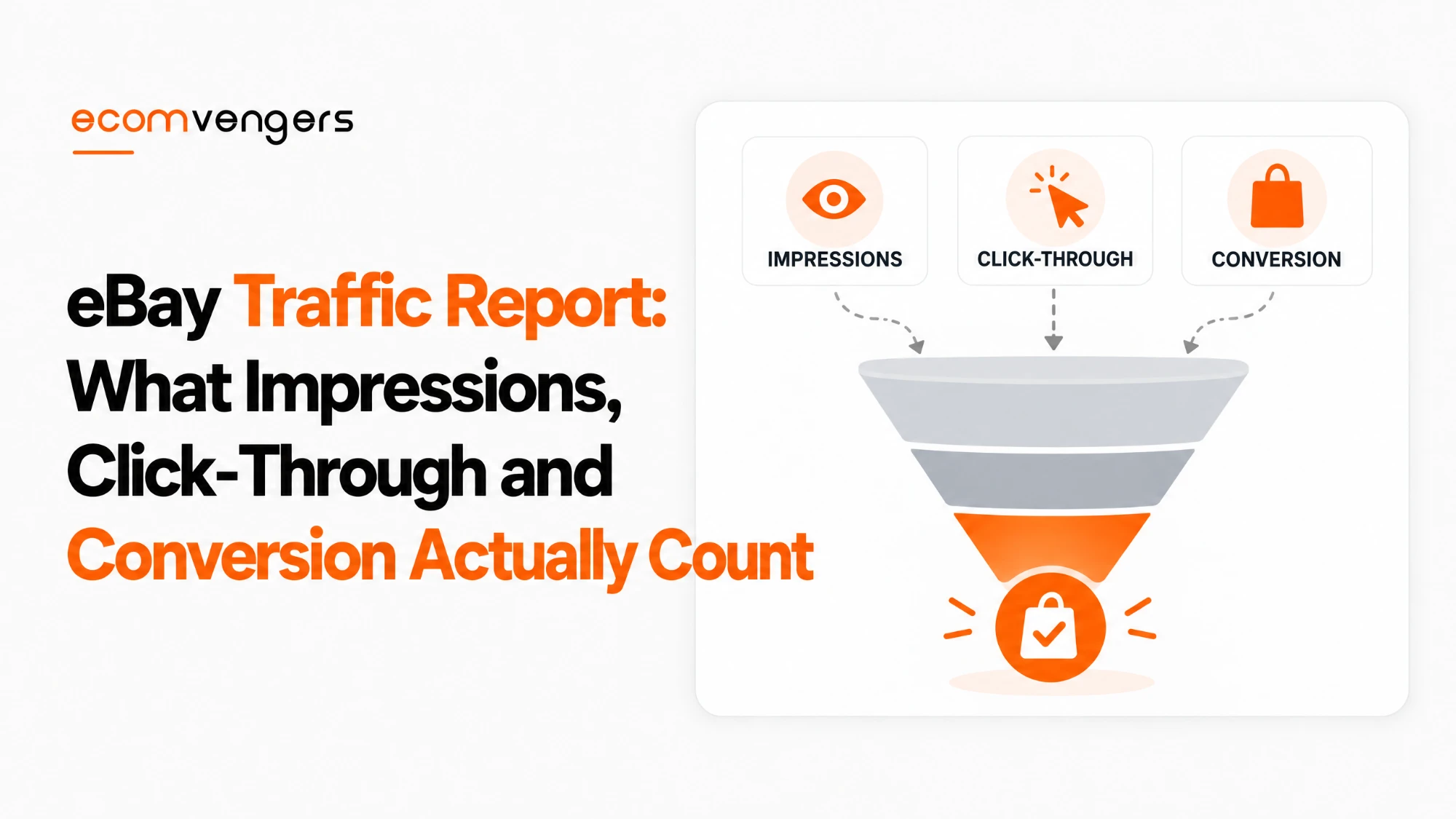
The eBay traffic report looks like a simple funnel: impressions, then page views, then sales.
It is not quite that simple. Two of its headline figures count different things, and the word “conversion” means something else depending on which eBay screen you are reading.
That matters when sales slip. A seller who reads the numbers wrongly can spend a week rewriting titles to fix a problem that was never in the titles.
Reading them correctly comes before any listing work, which is why it is where our eBay SEO team begins.
This guide explains every figure in the Seller Hub traffic report, what eBay actually counts in each, where its definitions disagree, and how to read them together.
Key Takeaways
- The traffic report lives in the Performance tab of Seller Hub, under the Traffic section.
- Impressions count every time a listing displays, even when it sits too low on the page for anyone to see it.
- Seller Hub splits impressions by placement: the top 20 search spots, the rest of search, and non-search pages.
- Page views split into organic and external, where external means visits from outside eBay.
- Click-through rate leaves external views out. It divides eBay page views by impressions.
- Sales conversion rate leaves them in. It divides quantity sold by all page views, external ones included.
- So outside traffic can lower your conversion rate even while your sales go up.
- The Promoted Listings dashboard uses a different conversion formula: quantity sold divided by ad clicks.
- An ad “click” includes add to watchlist, add to cart and quick view, not only visits to the listing.
- Ad metrics can take up to 72 hours to reconcile, so yesterday’s figures may still move.
- eBay’s own developer documentation words click-through rate the wrong way round, a sign of how loosely these terms are used.
- Sell-through rate is a different measure again, found in Product research rather than the traffic report.
Where to Find the eBay Traffic Report in Seller Hub
The eBay traffic report sits in the Traffic section of the Performance tab in Seller Hub, and it costs nothing to use.
eBay’s Seller Hub guide describes the layout. You pick the eBay site and the time period, then read the figures and their charts.
Further down sits listing-level data for active and sold listings. You can search by keyword, title or item number, filter promoted and non-promoted listings, and download an Active listings traffic report.
Our guide to why eBay sales drop uses this same tab to find which stage of the funnel failed. This guide goes one level deeper, into what each figure actually measures.
The figures the traffic report shows
Seller Hub reports three groups of figures, each with its own split.
- Impressions, shown as a total, as organic against promoted, and by placement.
- Page views, shown as a total and as organic against external sites.
- Quantity sold, shown as a total and as organic against promoted.
- Two ratios built from those counts: click-through rate and sales conversion rate.
The splits are where most of the value sits. A total that holds steady can hide a shift underneath it, such as promoted impressions replacing organic ones.
What eBay Counts as an Impression
An impression on eBay is each time one of your listings displays on a page, whether or not a buyer actually sees it.
eBay’s developer documentation for the traffic report is explicit about this. It notes that “the listing might not have been visible to the buyer due to its position on the page”.
So an impression is a display, not a glance. A listing at position 48 on a long results page earns an impression whether or not anyone scrolls that far.
Total impressions and listing impressions are different counts
eBay uses two impression totals, and only one of them matches Seller Hub.
Listing impressions cover the search results page and your eBay Store. Total impressions add every other page or flow where a listing displays, and eBay says this is the figure that matches the Seller Hub traffic page.
That distinction matters if you pull figures through a third-party tool. A tool reading the narrower count will show fewer impressions than Seller Hub, and neither number is wrong.
Why the placement split matters more than the total
Seller Hub divides impressions into the top 20 search spots, the rest of search, and non-search placements.
That split tells you the quality of your visibility, not just its quantity. A thousand impressions in the top 20 spots are worth far more than a thousand on page four.
If your total impressions hold but the top 20 share falls, your listings are still being shown, just further down. That is a ranking question, and our guide to eBay Best Match covers what moves it.
How eBay Counts Page Views
A page view on eBay is a visit to your listing’s own page, which eBay calls the View Item page.
Seller Hub splits page views into organic and external. Organic views come from inside eBay, and external views come from other websites, such as a search engine or a social media post.
The developer documentation goes further and names five sources. Views can arrive directly from a bookmark, from off eBay, from eBay’s search results, from your Store, or from other eBay pages.
Why external views behave differently
External views are the one part of the report you can drive yourself, and they follow different rules.
A buyer who arrives from a social post has often not compared you with anyone else. They may be browsing, curious, or just following a link from a friend.
That makes them valuable, but also less likely to buy than someone who searched eBay for exactly your item. The next two sections show why that matters for the ratios.
Click-Through Rate in the eBay Traffic Report
Click-through rate in the eBay traffic report is the number of page views from eBay divided by the number of impressions, and it leaves external views out.
eBay’s Seller Hub guide spells that out: CTR is page views to your listings from eBay “divided by the number of impressions, this excludes external page views”.
That makes sense, because only eBay impressions can produce eBay clicks. A visit from a social post never came from an eBay impression, so counting it would inflate the rate.
eBay’s own documentation gets it the wrong way round
eBay’s developer documentation describes click-through rate as impressions divided by clicks, which is the inverse of the usual formula.
Its exact wording is “the number of times an item displays on the search results page divided by the number of times buyers clicked through”. Read literally, that gives a number above one.
It is almost certainly a wording slip rather than a different calculation. Still, it shows how loosely these terms get used, even by eBay, so trust the Seller Hub definition when the two disagree.
Sales Conversion Rate in the eBay Traffic Report
Sales conversion rate in the eBay traffic report is quantity sold divided by total page views, and unlike click-through rate, it includes external views.
The Seller Hub guide defines it as “the quantity sold divided by the total page views including both page views from ebay and external page views”.
The developer documentation agrees in substance. It divides completed transactions by total listing views across all five view sources.
Why outside traffic can lower your conversion rate
Because the conversion rate counts external views and click-through rate does not, sending visitors from outside eBay can lower your conversion rate while sales rise.
Here is a worked example with simple numbers. A listing gets 200 eBay page views a month and sells 5 units, a conversion rate of 2.5%.
The seller then shares it on social media, which adds 300 external views and one extra sale. Sales go from 5 to 6, but the conversion rate drops to 1.2%, because 6 sales are now spread across 500 views.
Nothing about the listing got worse. The seller simply added visitors who were less ready to buy, which a ratio punishes and a cash register does not.
So always check the organic and external split before reacting to a falling conversion rate. If external views jumped, the rate may be telling you about your promotion, not your listing.
Read the counts before the ratios. A falling conversion rate means little on its own. Check whether page views rose, whether external views did most of the rising, and whether quantity sold actually fell, before changing anything on the listing.
Organic and Promoted Figures in the eBay Traffic Report
The traffic report splits impressions and quantity sold into organic and promoted, which shows how much of your visibility you are paying for.
Organic impressions come from eBay’s normal search and browse. Promoted impressions come from ad placements bought through Promoted Listings.
Watch the balance over time. If promoted impressions rise while organic ones fall by a similar amount, your ads may be replacing visibility you used to get free rather than adding to it.
The quantity sold split works the same way. A sale counted as promoted does not prove the ad created it, because some buyers would have found the listing anyway.
The Listing Quality Report
Sellers with enough live listings also get a Listing Quality Report on the Performance tab, according to eBay’s Seller Hub guide.
It is a downloadable spreadsheet covering your 10 categories with the most live listings, at listing and category level. eBay says it suggests specific actions aimed at raising views, impressions and sales.
Use it alongside the traffic report rather than instead of it. The traffic report shows which figure moved, and the quality report may suggest why.
Listings insights in the Sales section
The Sales section of the Performance tab adds a Listings insights module, with filters for items sold via advertising, via Best Offer and via seller-initiated offers.
Those filters show which selling tools actually closed the sale. That fills a gap, because the traffic report stops at quantity sold and says nothing about the route to it.
The Promoted Listings Dashboard Uses a Different Formula
The Promoted Listings dashboard measures sales conversion rate as quantity sold divided by ad clicks, multiplied by 100, which is not the traffic report’s formula.
eBay’s general campaign help page sets out the advertising version. It counts sales made within 30 days of a click on your ad.
An ad click is also broader than a page view. eBay counts any interaction with the ad, including adding to a watchlist, adding to a cart or using quick view.
Why the two conversion rates will never match
The traffic report divides by page views, and the ad dashboard divides by ad clicks, so the two figures measure different things.
A watchlist add counts as an ad click but not as a page view. A sale can also land in the ad dashboard up to 30 days after the click, long after the traffic report has moved on.
The ad dashboard adds one more caution. eBay says its performance figures appear in near real time but may take up to 72 hours to reconcile.
Our guide to eBay Promoted Listings covers how to judge whether the ads are earning their fee. The short version is never to compare an ad conversion rate with a traffic report one.
| Figure | Where you see it | How eBay calculates it |
|---|---|---|
| Click-through rate | Seller Hub traffic report | eBay page views divided by impressions, external views left out |
| Sales conversion rate | Seller Hub traffic report | Quantity sold divided by all page views, external views included |
| Sales conversion rate | Developer traffic report | Completed transactions divided by total listing views |
| Sales conversion rate | Promoted Listings dashboard | Quantity sold divided by ad clicks, times 100 |
| Sell-through rate | Product research | A separate measure, limited to items sold in the last 90 days |
Sell-Through Rate Is Not in the Traffic Report
Sell-through rate is a separate figure that lives in Product research, not in the traffic report, and it answers a different question.
The traffic report tells you how buyers respond to your own listings. Sell-through tells you how well an item sells across eBay, which makes it a market measure rather than a listing one.
eBay’s Product research page limits sell-through rate to items sold within the last 90 days. Our guide to eBay keyword research covers how to use it.
Sellers often mix the two up, and the mix-up leads to the wrong fix. Low sell-through says the market is slow; low conversion says your listing is losing buyers who reached it.
How to Read the eBay Traffic Report When Sales Change
Read the eBay traffic report from the top down: impressions first, then click-through rate, then conversion rate, because each stage depends on the one above it.
When impressions fall
Falling impressions mean eBay is showing your listings less often, so the fix lies in ranking rather than in the listing page.
Check the placement split first. If the top 20 share fell more than the total, your listings are still appearing but lower down, which points at relevance and listing quality.
Our guides to eBay listing titles and item specifics cover the parts of a listing that most affect where it ranks.
When click-through rate falls
A falling click-through rate with steady impressions means buyers see your listing and choose another one instead.
What a buyer sees in search is short: the title, the main photo, the price and the shipping. One of those four usually explains it, and our guide to eBay listing photos covers the second.
Check competitors too. A rival dropping their price can lower your click-through rate overnight without you changing anything.
When conversion rate falls
A falling conversion rate with steady page views means buyers reach your listing and leave without buying.
Look at what the listing page adds beyond search. Delivery dates, returns, item specifics and the description all sit there, and any of them can change a buyer’s mind.
Before changing any of it, rule out the external traffic effect described above. A jump in external views can produce exactly this pattern with nothing wrong at all.
Change one thing at a time. If you change the title, photo and price on the same day, the traffic report cannot tell you which change worked. Make one change, wait long enough for the figures to settle, then read them again.
How long to wait before reading the figures
Give a change long enough to gather a fair sample before you judge it, especially on slow-selling items.
A listing that sells once a week cannot show a meaningful conversion change in three days. For ad figures, remember eBay’s own warning that they can take up to 72 hours to settle.
FAQs About the eBay Traffic Report
Where is the traffic report on eBay?
In Seller Hub, open the Performance tab and go to the Traffic section. You choose the eBay site and the time period there.
What is an impression on eBay?
An impression is each time one of your listings displays on a page. It counts even if the listing sits too low on the page for the buyer to see it.
How does eBay calculate click-through rate?
In Seller Hub, it is page views from eBay divided by impressions. External page views are left out.
How does eBay calculate sales conversion rate?
In the traffic report, it is quantity sold divided by all page views, including external ones. The Promoted Listings dashboard divides by ad clicks instead.
Why is my eBay conversion rate falling while sales are rising?
Usually because external views rose. Conversion counts them while click-through rate does not, so extra outside visitors dilute the rate.
What is a good click-through rate on eBay?
eBay publishes no benchmark. Compare a listing with its own history and with similar listings of yours, rather than with a figure from elsewhere.
What are external page views on eBay?
They are visits to your listing from outside eBay, such as a search engine or a social media link.
Why do my traffic figures differ from a third-party tool?
The tool may read a narrower impression count. eBay says only its total impressions figure matches the Seller Hub traffic page.
What does top 20 search spot mean in the traffic report?
It is the share of impressions where your listing appeared in the top 20 search positions. It shows the quality of your visibility, not just its amount.
Can I download the eBay traffic report?
Yes. The Traffic section lets you download an Active listings traffic report with listing-level data.
Why does the Promoted Listings dashboard show a different conversion rate?
It divides sales by ad clicks, which include watchlist adds and quick views, and it counts sales up to 30 days after a click.
Is sell-through rate the same as conversion rate?
No. Sell-through rate measures how an item sells across eBay and lives in Product research. Conversion rate measures your own listings.
How long do eBay ad figures take to update?
eBay says ad performance figures appear in near real time but may take up to 72 hours to reconcile.
Does the traffic report cost anything?
No. Seller Hub and its Performance tab are free to use.
Read the Counts Before You Trust the Ratios
The eBay traffic report is a good tool with one quiet trap. Its two headline ratios count different things, and eBay uses the word “conversion” for three different calculations.
Once you know that, the report becomes far more useful. A falling rate stops being an alarm and becomes a question about which count moved.
Work through the steps below whenever the figures change:
- Open the Traffic section of the Performance tab and set a fair comparison period.
- Look at total impressions, then the top 20 search spot share.
- Read click-through rate, remembering it ignores external views.
- Compare page views, split into organic and external.
- Confirm quantity sold before reacting to the conversion rate.
- Rule out a jump in external views before blaming the listing.
- Never compare a Promoted Listings conversion rate with a traffic report one.
- Make one change at a time, then wait for the figures to settle.
Most traffic problems turn out to be one figure moving for a clear reason. The work is finding which figure, before spending time on the wrong fix.
If the cause turns out to be your seller level rather than your listings, our guide to why eBay sales drop covers the account side.
Sources
- Traffic section layout and the Seller Hub definitions of click-through and conversion: How to monitor your business in Seller Hub
- Impression and view sources, plus the developer definitions: Traffic report details
- Ad clicks, ad conversion and the 72-hour reconcile: General campaign strategy
- Sell-through rate and its 90-day limit: Product research
Abdul Mannan is the eBay account health expert at EcomVengers. He works on the numbers that decide a seller's standing: transaction defect rate, late shipment rate, cases closed without seller resolution, service metrics, returns and feedback. He writes our guides on keeping an account out of Below Standard and on finding out why sales have dropped.
View all posts by Abdul Mannan