Most sellers choose the words in a listing by looking at the item.
It is the wrong direction of travel. The item cannot tell you what anybody typed to find it.
eBay holds three years of its own sales data and will show it to you at no charge, which makes guessing an odd choice.
There is a catch, and it is the part nobody mentions.
On Google you can target any phrase you like. On eBay a policy decides which of your findings you are actually allowed to use, and ignoring it is listed as grounds for suspension.
So eBay keyword research is really two jobs. Find what sells, then work out which of those words are true of the thing in your hand.
Key Takeaways
- eBay’s own research tool is the starting point. Product research sits in the Seller Hub Research tab and searches by keyword or product.
- It holds three years of sales data, not 90 days. The 90 day figure applies only to sell-through rate.
- Seller Hub is free, but you need to have had at least one sale before you can use it.
- Sell-through rate is the number that matters. Demand without sell-through is a crowded category, not an opportunity.
- Product research beats the completed listings search on time range, and it shows the real price when a Best Offer was accepted.
- Sourcing insights is a separate tier, free only to business sellers with a Basic Store subscription or above.
- Every word must be true of your item. eBay requires all words in a listing to refer only to the item for sale.
- eBay bans comparisons outright. You cannot name a rival product to borrow its traffic.
- Question marks break the rules. If a detail is unknown, leave it out rather than hedge it.
- Compatibility has a fixed word order. “Fits”, “for” or “compatible with” must come before the other brand, and never before a jewellery, clothing or accessories brand.
- Product identifiers do keyword work for you by placing listings in more relevant search results and auto-filling details.
- Research informs the title, it does not replace the structure. Item specifics and category still carry their own weight.
How to Find Keywords for eBay Listings
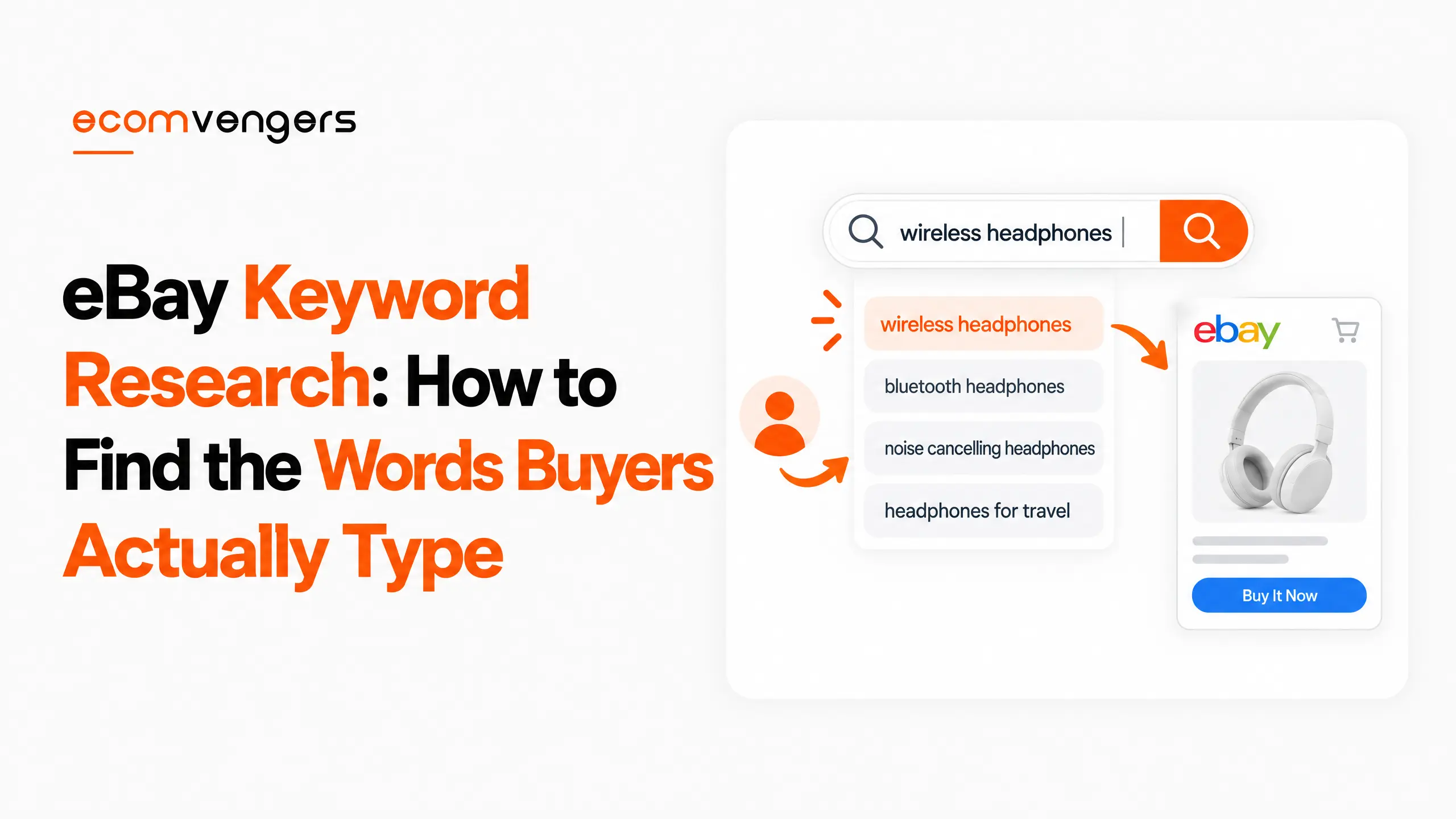
Search your item inside eBay’s own Product research tool, sort by what actually sold, and take the words that recur across the winning listings.
That is the whole method. Everything after this section is detail about reading the numbers correctly and staying inside the rules.
Product research lets you search by keyword or product, then filter by category, item condition, brand, colour, and buyer or seller location.
The filters are the useful part. A phrase that looks strong across all of eBay often collapses once you restrict it to the condition and category you are actually selling in.
Work from sold data rather than active listings. Active listings tell you what other sellers hope will work, which is a survey of optimism rather than evidence.
Then read the recurring words, not the clever ones. If eleven of the top sold listings carry a model number and yours does not, that is the finding.
Where those words then go is a separate question, and we have covered it in detail in our guide to eBay listing titles.
Why eBay Keyword Research Is Not Google Keyword Research
The difference is that eBay polices the words themselves, and Google does not.
This is the single biggest reason imported search habits fail here.
eBay’s search manipulation policy states that all the words in a listing need to be accurate and refer only to the item for sale.
Read that again with a keyword list in front of you. It means a high-volume phrase you discovered is unusable unless it describes what you are selling.
There is no equivalent constraint in general search. A blog can target a phrase it merely discusses.
The second difference is intent. Everyone running an eBay keywords search is already on a marketplace with their card in reach, so there is no informational tier to filter out.
That makes the data denser but narrower. You will not find the long informational tail that makes general keyword tools feel generous.
Third, the ranking system is its own thing. Best Match weighs listing quality and seller performance alongside relevance, which we have set out in our explainer on how eBay Best Match works.
Key point: on eBay, demand is only half a keyword’s qualification. The other half is whether the word is factually true of your item, and that half is enforced.
What eBay’s Product Research Tool Actually Shows You
It shows three years of sold data with the pricing and demand metrics already calculated, across every eBay marketplace.
The three year figure is worth pinning down, because the number most often quoted is 90 days.
Ninety days is correct for exactly one metric. eBay states that sell-through rate covers searches of items sold 90 days ago or less, while the underlying sales data runs to the last three years.
That distinction changes what you can ask. Seasonality needs years; current demand needs the quarter.
| What it reports | What it tells you about keywords |
|---|---|
| Sales trends | Whether a phrase is rising, flat or dying |
| Average sales price | Which descriptive words sit at which price level |
| Sold price range | How much the wording moves the outcome |
| Sell-through rate (90 days or less) | Whether demand converts or just exists |
| Total sellers who sold the item | How crowded the phrase already is |
| Average shipping cost and free shipping count | What the category expects, not a keyword signal |
| Selling format | Whether auction or fixed price wins the phrase |
Sell-through rate is the number to lead on. A phrase with heavy volume and poor sell-through is a crowded aisle, not a gap.
The seller count matters for the same reason. Fifty sellers having sold the same item tells you the phrase is proven and contested at once.
Product Research Versus the Completed Listings Search
Product research wins on both time range and price accuracy, and the price point is the one that catches people out.
Plenty of sellers do their research by filtering ordinary eBay search to sold and completed items. It is free and it needs no tool.
eBay sets out three differences. Product research searches periods of any length across the last three years, while completed listings show only listings that recently ended sold in the previous 90 days.
It also reports the actual price an item sold for even when a Best Offer was accepted.
That gap is larger than it sounds. In categories where Best Offer is normal, the completed listings view shows you asking prices while the real transaction prices stay hidden.
Research a keyword on inflated numbers and you will price the listing to match a sale that never happened at that figure.
Third, the metrics arrive calculated. The tool works out average sold prices, average shipping costs and terms, seller counts, sell-through rates and trend direction, so you never count rows by hand.
Worth knowing: the completed listings search is not wrong, it is just short-sighted and blind to accepted offers. Use it for a quick sanity check, not for pricing a keyword strategy.
Which eBay Keyword Tool Should You Use, and What Does It Cost?
Start with eBay’s own, because it is free and it is the only one reading eBay’s actual sales ledger.
No third-party eBay keywords tool has access to that data. They infer it from what is publicly visible, which is a reasonable estimate rather than a record.
Seller Hub is free to use and consolidates eBay’s selling tools in one place, with a Research tab covering listings, sourcing, pricing and restocking.
There is one gate worth knowing before you plan around it. eBay states you will need to have had at least one sale to use Seller Hub, though business sellers are opted in automatically and only private sellers wait for that first sale.
So the research tool is free but not immediate. A brand new account has to sell something first, which is an awkward order for anyone hoping to research before they list.
Where Sourcing insights sits, and who pays for it
Sourcing insights is the paid-tier sibling, and it answers a different question.
eBay makes it available at no extra cost to business sellers with a Basic Store subscription or above.
It sources from sold single stock listings to show what is in or out of stock, and lets you research by category to find high demand against low inventory.
That is a stock-finding tool more than a wording tool. Useful, but not what you need to choose the words for one listing.
Note too that it requires a business account, which carries obligations well beyond the subscription fee. We set those out in our comparison of the eBay business and personal account types.
What Makes the Best Keywords for eBay Listings
The best keywords for eBay listings are the specific ones a buyer would type when they already know what they want.
Three qualities decide it, and a word has to clear all three.
It has to be true of the item, or the policy rules it out before anything else matters.
It has to carry demand that converts, which is the sell-through test rather than the volume test.
And it has to narrow the field. A phrase every competing listing already uses buys you a place in a queue.
Let product identifiers do some of the work
Filling the structured fields properly does some of the keyword work for you.
eBay says adding product identifiers helps listings appear in more relevant search results, and can auto-fill key item details while you list.
That is a genuine shortcut. A correct identifier attaches your listing to a product shoppers are already searching for by name.
The same applies to item specifics, which carry their own ranking weight and are not a dumping ground for leftover keywords. We cover that split in our guide to eBay item specifics.
eBay’s advice on the title itself is blunt. Use all 80 characters and focus on relevant keywords, which is permission to be thorough rather than to be creative.
A Worked Example of eBay Keyword Research on One Listing
The method reads better as a sequence than as a principle, so here it is on a single item.
Take a used camera lens. The figures below stand in as an illustration rather than as data from any real search.
Start wide, then cut the search down
Type the broad phrase first. Something like the brand plus the word lens.
You will get a large result set, a healthy looking trend line and a seller count in the hundreds. None of that helps yet.
Now apply the filters. Set the category to the lens category, set condition to used, and set the seller location to your own country.
The result set shrinks, and so does the seller count. The sell-through rate usually moves as well, often upward, because you have stopped averaging your market against markets you do not sell in.
That filtered view is your actual competition. The unfiltered one was a different business.
Compare two candidate phrases side by side
Run the generic phrase, then run the version carrying the focal length and mount.
The generic phrase will almost always show more sales and more sellers. The specific one shows fewer of both and, in most categories, a better sell-through rate.
Take the specific one. A buyer typing a mount already knows what fits their camera, and they are not browsing.
Then check the sold price range on both. If the specific phrase also sells higher, you have found the wording and the price in one pass.
Strike out what you cannot prove
Now the unglamorous step. Go through the shortlist and remove every word you cannot stand behind.
If the sold listings favour a word like mint and your lens has marks on the barrel, that word is not available to you. Demand does not create permission.
If the data keeps surfacing a rival brand because buyers cross-shop, you may only use it as genuine compatibility, in the word order the policy sets.
What survives goes into the title and the item specifics. What you struck out goes nowhere, not into the description and not into a hidden field.
The whole exercise takes about ten minutes per product line. It replaces an afternoon of rewriting titles that never had a demand problem in the first place.
The eBay Policy That Limits Which Keywords You Can Use
eBay’s search manipulation policy bans using keywords that are not directly related to the item, and lists account suspension among the consequences.
This is where good research turns into a bad listing, usually with the best intentions.
The rules are specific enough to check a title against. Using keywords not directly related to the item for sale is not allowed, and all the words must refer only to that item.
eBay also bans listings that make comparisons with other products, so the familiar tactic of naming a premium rival falls away.
The same policy rules out listings that promote other listings.
Question marks in keywords break the rule as well, because they mislead buyers. eBay tells you to leave an unclear or unknown detail out of the listing rather than hedge it.
Compatibility keywords have a fixed grammar. “Fits”, “for” or “compatible with” must appear before the name of the compatible item, and must not appear before the brand names of jewellery, clothing and accessories, or universally compatible items.
The enforcement ladder is the usual one: removing the listing or content, a warning, restricting activity, then account suspension.
Most sellers meet the first rung. A listing quietly disappears, no explanation is offered, and the keyword that caused it is still sitting in forty other listings waiting to do the same thing again.
If that has already escalated, the order of work is set out in our guide to what to do when an eBay account is suspended.
Key point: keyword stuffing on eBay is not a ranking risk, it is a policy breach. The penalty lands on the account, not on the position.
How Often eBay Keyword Research Needs Repeating
Re-run it when the trend line moves or the season turns, not on a calendar.
Product research reports trend direction, which is the cue to act on.
Three years of history exists precisely so you can see a seasonal pattern rather than guess at one. A phrase that dies every February is not dying.
New model numbers are the other trigger. The day a successor launches, every keyword describing the outgoing product changes value, usually downward and sometimes sharply upward for the discontinued version.
Keep the research attached to the listing rather than to a spreadsheet. The point of a keyword is the title and the specifics it ends up in, which is the ground covered by our eBay listing optimisation tips.
Worth knowing: every keyword eBay holds data for is a keyword your competitors can see too. The advantage is not the research, it is acting on it before the trend is obvious.
FAQs About eBay Keyword Research
Is there a free eBay keyword tool?
Yes. Seller Hub includes Product research, and eBay states Seller Hub is free to use, though you need at least one sale before you can reach it.
Are there free eBay SEO tools beyond keyword research?
Seller Hub itself is the main one. Its Research tab covers listings, sourcing, pricing and restocking, and the Performance tab reports traffic and buyer traffic source at no cost.
How do I find keywords for an eBay listing with no sales history?
Research the item, not your account. Product research covers sold data across eBay’s marketplaces, so a product with no history on your account still has history on the platform.
Does Product research show search volume?
Not as a search-volume figure in the Google sense. It reports sales data and calculated metrics such as sell-through rate and seller counts, which measure demand by what sold rather than by what was typed.
Is Terapeak the same as Product research?
It is the same tool under a current name. eBay’s help page is titled Product research and the Terapeak name survives mainly in the URL and in seller habit.
How far back does eBay keyword and sales data go?
Three years for the sales data. Sell-through rate is the exception and applies to items sold 90 days ago or less.
Can I use a competitor’s brand name as a keyword?
Only as genuine compatibility, and only with the right word order. “Fits”, “for” or “compatible with” must come before the other brand, and that construction is not allowed before jewellery, clothing and accessories brands.
Can I put question marks in an eBay title?
No. eBay prohibits keywords with question marks because they mislead buyers, and asks you to omit unclear details instead.
What happens if I stuff keywords into a listing?
eBay lists listing removal, a warning, restricted activity and account suspension as available responses to a search manipulation breach.
Why does the completed listings search disagree with Product research on price?
Because Product research reports the actual sold price even when a Best Offer was accepted. Completed listings can leave you reading asking prices instead.
Do third-party eBay keywords tools see more than eBay’s own?
No. They work from publicly visible listings and estimate the rest, whereas Product research reads eBay’s own sales data.
Is Sourcing insights worth the Store subscription for keywords?
Not for wording alone. It targets sourcing decisions, showing in-stock and out-of-stock gaps and category demand against inventory, and it needs a Basic Store subscription or above.
Should keywords go in the description as well as the title?
Write the description for the buyer and let the title and item specifics carry the search work. The same accuracy rule applies to every word either way.
What if Product research returns almost no data for my item?
Widen the search before you conclude there is no demand. Drop the filters one at a time, starting with location, then condition, and read the broader result as a guide to wording rather than to price.
A genuinely thin result is itself a finding. It usually means the phrase you chose is not the phrase buyers use.
Should I research keywords before or after choosing a category?
Pick the category first, then research inside it. Product research filters by category, so the category decides which numbers you are reading.
eBay also notes that buyers browse as well as search, so the category is doing work of its own regardless of your wording.
Does a keyword in the title count for more than one in item specifics?
They do different jobs rather than compete. The title carries the phrase a buyer types, while item specifics let eBay place the listing in filtered results.
Treat a word that belongs in a structured field as belonging there, and use the 80 characters for the phrasing a buyer would actually enter.
Research the Demand, Then Check the Words Are True
eBay keyword research is unusual in that the research is the easy half.
eBay hands you three years of its own sales data free, with the metrics already calculated, and most sellers still choose their words by looking at the item on the desk.
The harder half is discipline. Every phrase the data recommends still has to survive a policy that requires it to be factually true of what you are selling.
That constraint is not a nuisance. It is the reason a well-researched eBay title outperforms a clever one.
Work through it in this order.
- Open Product research in the Seller Hub Research tab, and search the item by keyword or product.
- Filter to your own category, condition and location before reading anything.
- Sort on sell-through rate rather than volume, and note the seller count beside it.
- Write down the words that recur across the sold listings, not the ones that sound best.
- Strike out every word that is not factually true of your item. This step is not optional.
- Check compatibility phrasing puts “fits” or “for” before the other brand, and remove any question marks.
- Place the survivors in the title and the item specifics, then fill the product identifiers.
- Re-run it when the trend direction turns or a successor model launches.
If a listing has already been removed over its wording, treat the keyword as the defect rather than the listing. The same phrase is usually sitting in the rest of your inventory, quietly waiting its turn.
Sources
- eBay’s Product research help page, for searching by keyword or product, the available filters, the three years of sales data, the metric list, sell-through rate covering items sold 90 days ago or less, the comparison against completed listings results, the actual sold price where a Best Offer was accepted, and Sourcing insights requiring a Basic Store subscription or above.
- Guidance on Seller Hub, for it being free to use, the requirement of at least one sale before access, the Research tab covering listings, sourcing, pricing and restocking, and the Performance tab reporting traffic and buyer traffic source.
- The search manipulation policy, for the requirement that all words refer only to the item for sale, the ban on unrelated keywords, comparisons, promoting other listings and question marks, the compatibility word order including the jewellery, clothing and accessories exception, and the enforcement responses up to account suspension.
- Seller Center’s listing best practices, for product identifiers placing listings in more relevant search results and auto-filling item details, and for the instruction to use all 80 characters and focus on relevant keywords.

Ali Khan is the eBay SEO expert at EcomVengers. He writes our guides on how Best Match ranks listings, and on the titles, item specifics, photos and descriptions that decide whether a buyer ever finds a listing. His side of the work starts once an account is safe: getting its listings seen and sold.
View all posts by Ali Khan