eBay lets you add one video to a listing. Exactly one.
Most sellers who use the slot fill it with a slow pan around the product, set to nothing in particular.
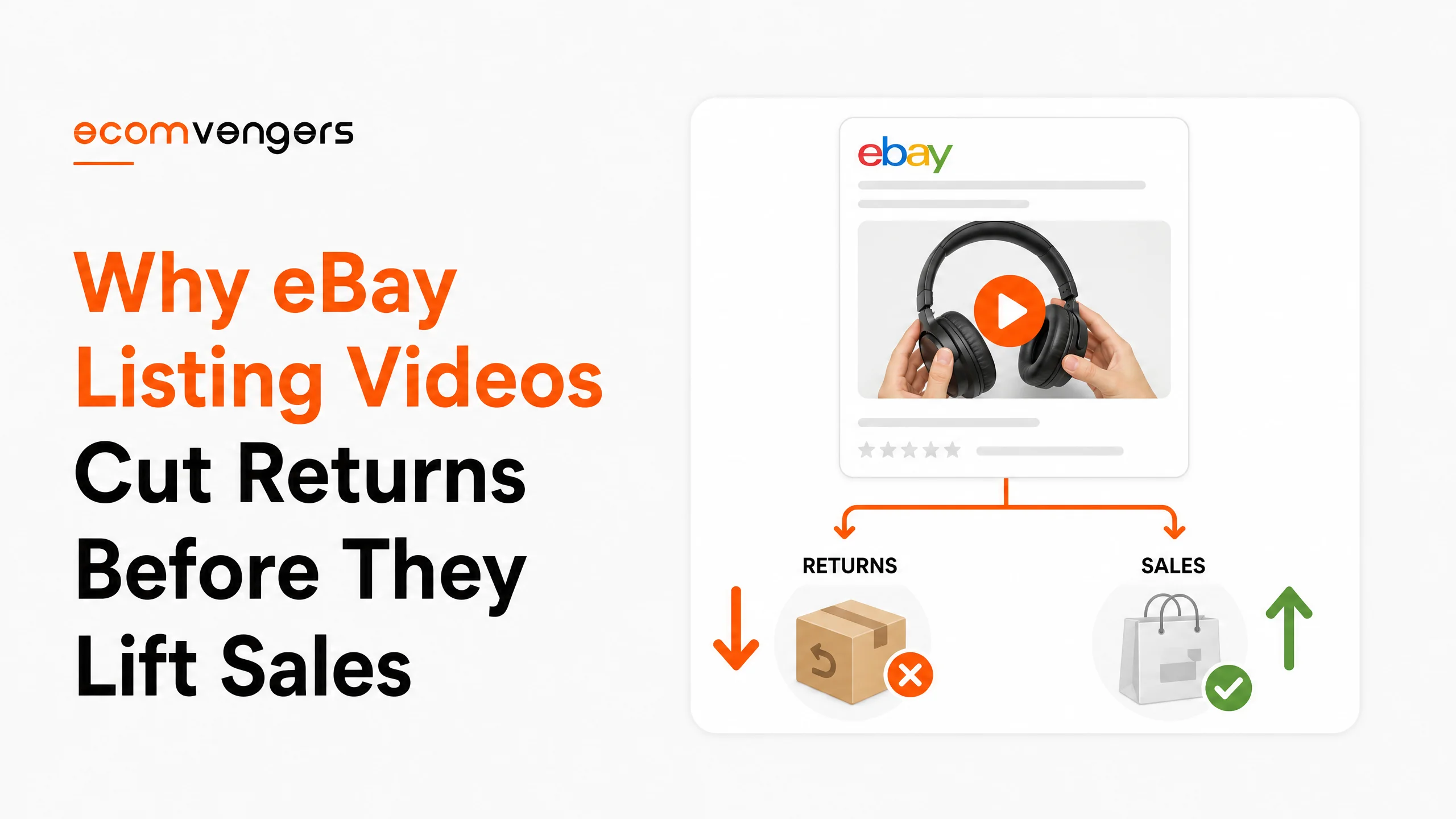
Which is a shame, because eBay is fairly direct about what video is for. Among the benefits it lists are preventing common buyer issues and returns, and giving buyers confidence in the condition of what they are buying.
Read that again. It is a returns tool that happens to sell things, not a showreel.
Cases that start with a buyer saying the item was not as described land on our desk every week, and a surprising number were answerable in eleven seconds of footage.
Where the slot sits, what belongs in it, and what it cannot do.
Key Takeaways
- You get one video per listing, so the choice of subject is the whole job.
- It sits second in the gallery, straight after your first image.
- eBay says buyers see it on the View Item page of the eBay app.
- Preventing buyer issues and returns is one of the benefits eBay names for it.
- Another is giving buyers confidence in the condition and quality of your items.
- eBay suggests using video to demonstrate fit and sizing.
- It also suggests installation guides and instructions, which suit parts and assembly.
- Explaining defects or damages on camera is on eBay’s own list of uses.
- A 360 degree view answers shape questions that photographs argue about.
- Video can show different versions, colours or sizes inside one listing.
- The first image still does the heavy lifting, because it is the search thumbnail.
- A video cannot repair a listing that misses the search in the first place.
Where an eBay Listing Video Actually Appears
Second in the gallery, and in the app.
eBay states the placement plainly. Videos appear right after the first image in your gallery, and buyers see them on the View Item page of the eBay app.
Two things follow from that, and both matter more than the video itself.
The first image keeps its job. It remains the thumbnail search shows, so a video never rescues a weak opening shot. That argument sits in why eBay listing photos with text vanish from external search.
The second is about who sees it. eBay names the app, so a buyer on a desktop browser may never reach your video at all. Build the listing so it works without one.
That is not a reason to skip video. It is a reason to stop treating it as the centrepiece and start treating it as the answer to a specific question.
Why eBay Frames Video as a Returns Tool
Look at the benefits it chose to list.
eBay names four. Standing out from the competition, a more engaging experience, helping prevent common buyer issues and returns, and giving buyers confidence in the condition and quality of your products.
Two of those four are about expectation rather than persuasion. That is unusual for a marketing page, and it is the tell.
Key point: eBay lists preventing buyer issues and returns among the benefits of video. It sits above anything about persuasion, which tells you what the slot is really for.
A return that starts with the words not as described is a gap between what the buyer pictured and what arrived. Video closes gaps that text argues about and photographs only imply.
The stakes are higher than the refund. Item not as described feeds your service metrics, and a case you fail to resolve becomes a defect as well, which is covered in why two eBay cases closed without seller resolution can end your account.
What to Put in Your One eBay Listing Video
The doubt that costs you the order. Nothing else.
eBay puts it well. There is no single approach, and the right video depends on what you are listing and what resonates with your buyers.
So it tells you to think about the common questions, the pain points, and the reasons a buyer might hesitate.
Your messages already hold that answer. Whatever buyers ask you twice a week is the thing your listing has failed to explain, and it is the thing worth filming.
Let the product show what it does
eBay suggests capturing features, unique characteristics and different functions.
A full 360 degree view belongs here too. Shape is the thing photographs argue about, and a slow turn settles it in four seconds.
eBay also names showing different versions, colours or sizes, which suits a variation listing carrying several options behind one dropdown.
Answer the question you keep being asked
Three of eBay’s suggestions sit in this group, and they are the practical ones.
Instructions and installation guides. Demonstrating fit and sizing. Explaining any defects or damages.
eBay adds the reason directly. Show what to expect up front and you are more likely to have happy customers and fewer returns.
Notice that the third one runs against instinct. Filming the scratch feels like advertising the flaw, when it is actually the cheapest insurance available to you.
Build trust where the item invites doubt
Some categories carry suspicion no photograph settles.
eBay suggests showing what goes on behind the scenes, demonstrating a refurbishment process, showcasing authenticity, or highlighting the quality of materials.
Refurbished electronics and branded resale both live here. A buyer worried about a fake or a bodged repair is not going to be talked round by adjectives.
The eBay Video Limits That Sit on a Different Page
Worth knowing, because the Seller Center page about videos does not mention any of them.
The numbers live in the images, videos and text policy instead. eBay recommends videos shorter than one minute for the best viewing experience, and it does not allow videos over 150MB.
One minute is a recommendation rather than a rule. The 150MB cap is a rule, and it is the one that will stop an upload.
Worth knowing: the video specs are not on the Seller Center video page. They sit in the images, videos and text policy, which is why so many sellers never find them.
Why videos get rejected in moderation
eBay lists the common reasons, and two of them catch honest sellers.
Poor quality is one. A video eBay judges blurry, undefined or distorted is not allowed, which rules out the shaky clip filmed in a dark stockroom.
Directing buyers off eBay is the other. Contact information, web links, URLs or any call to action asking viewers to do something on another site will fail, and that includes a domain printed on your packaging in shot.
The rest are what you would expect. Infringing content used without the rights owner’s permission, illegal or offensive material, nudity, and any personally identifiable information.
Check your footage for a reflected address label before you upload. It is a dull way to lose a video.
How to Film an eBay Listing Video Without a Studio
A phone, a window and a steady hand covers most of it.
Open on the thing they doubt
No intro, no logo, no music bed. Buyers give a listing video a couple of seconds before they scroll.
Start on the zip, the scratch, the port, the stitching. Whatever the doubt is, lead with it.
Keep it silent and it still works
Most buyers watch with the sound off, and many are watching on a train.
So the footage has to carry the meaning on its own. Talking over the video is fine, and relying on the commentary is not.
Match the video to the photographs
Same item, same light, same background wherever you can manage it.
A video shot in a different room reads as a different product. That is a small credibility leak, and credibility is the whole point of the exercise.
Film once, for the product line
You are not filming every SKU. You are filming the question.
Where twenty listings share a fitting or a mechanism, one clip about that mechanism can serve all twenty. Wear and damage are the exception, because those belong to the individual item.
Which eBay Listings Deserve a Video First
Start where a return costs you the most, not where filming is easiest.
Three groups earn it ahead of everything else.
High value items come first, because one avoided return pays for the afternoon. Used and refurbished stock comes second, since condition is where expectations part company with reality.
Third, anything with a return rate you already dislike. You know which listings those are without opening a report.
Skip the rest for now. A video on a three pound accessory is effort that would earn more spent on the title, and titles are covered in the line where eBay listing titles turn into keyword spam.
There is a second reason to film the awkward stock first. Those listings are usually the ones where your description has grown longest, because you have been trying to explain in words what a camera settles instantly.
Shorten the description as you add the clip. A buyer who watched the fitting go on does not need three paragraphs about the fitting, and a shorter listing reads better on the phone they are holding.
What an eBay Listing Video Cannot Fix
Everything that happens before a buyer opens the listing.
A video sits inside the listing page. If your title misses the search, nobody reaches the page, and the best footage you ever shot plays to an empty room.
It also cannot lift an account that has slipped. Best Match weighs your record as a seller, and video changes none of it. The route out sits in getting off eBay Below Standard.
One more honest limit. eBay names the app as where buyers see videos, so any seller whose traffic skews to desktop should expect a smaller effect than the effort suggests.
None of that argues against filming. It argues for filming the right listings, in the right order, for the right reason.
Why a Listing Video Is a Service Metrics Decision
Because the metric it touches is the one you are benchmarked on.
eBay runs two evaluations. Your seller level comes from your own conduct, and your service metrics compare you against sellers with a similar profile.
The item not as described rate lives in the second one. It counts buyers who reported a problem, whether or not you sorted it out afterwards.
That last clause is the reason video earns its place. Resolving a case quickly protects the relationship and does nothing for the number, which is the whole argument in why resolving a case fast still counts against your eBay service metrics.
So the only reliable way to improve that rate is to stop the report happening. A buyer who watched thirty seconds of the actual item has fewer reasons to be surprised.
Peer benchmarking moves the target
You are not measured against a fixed number here.
Your rate is compared with sellers listing similar things at a similar volume. Improve while your peers improve faster and your position still slips.
Video is one of the few levers that acts on the underlying cause rather than the score. Fewer surprises means fewer reports, and fewer reports is the only thing the benchmark rewards.
How to Tell Whether Your eBay Listing Videos Are Working
Not by watching the view count, which tells you very little.
eBay gives you no dashboard that isolates video performance, so measuring it takes a small amount of deliberate setup.
Compare returns on the listings you filmed
Pick twenty similar listings. Film ten and leave ten alone.
Then read the return rate on both groups after a couple of months. That comparison answers the question far better than any view counter would.
Give it time, though. Returns arrive weeks after the sale, so a fortnight of data tells you nothing worth acting on.
Watch conversion rather than impressions
Video sits inside the listing, so it cannot change how often you appear.
Impressions holding steady while sales rise is exactly the shape you want. Impressions moving at all means something else changed, and you have muddled two experiments together.
Read your messages for the disappearing question
This is the softest signal and often the quickest.
If buyers stop asking whether it fits, the video answered them. That happens weeks before any return data arrives, and it costs nothing to notice.
Five Ways Sellers Waste the eBay Video Slot
All five come from treating the slot as advertising rather than evidence.
1. The brand film
Warehouse shots, a founder story, a logo animation and a swelling soundtrack.
None of it answers the question that stopped the buyer. eBay does suggest showing the vision behind your products, and that works as a second layer rather than the whole clip.
2. The unedited walkthrough
Three minutes of turning the item over while narrating every thought.
Buyers on a phone will not stay for it. Cut to the part that matters and let the photographs carry the rest.
3. Footage that contradicts the photographs
This one causes cases rather than preventing them.
A different colourway, a missing accessory, an older model in the clip. The buyer noticed, and now your own listing is the evidence against you.
Reused footage across a product line is where this creeps in. Worth a check each time you attach an old clip to a new listing.
4. Music you do not own
A judgement of ours rather than a rule we can quote at you.
Commercial tracks on a listing video invite a complaint you gain nothing from. Given that most buyers watch on mute anyway, the upside was never there.
5. Filming the easy listings first
People start with the tidy new stock because it films well.
Yet the return risk sits on the used and the awkward items, where the doubt lives. Film the difficult ones and the tidy ones can wait.
Where eBay Listing Videos Sit Against Everything Else
Last, and that ordering is not an insult.
A title decides whether you appear. Item specifics decide which filters you survive. Photographs decide whether anyone clicks, and price decides whether they stay.
Video works on the buyer who is already reading and still hesitating. That is a smaller group than the one your title reaches, and a far more valuable one, because they arrived intending to buy.
So the order to fix things in runs the other way from the order they appear on the page. Get found first, then get clicked, then close the doubt.
Sellers who film before fixing their titles have built a very good answer to a question nobody arrived to ask.
Frequently Asked Questions
How many videos can an eBay listing have?
One. eBay says so directly, which is why choosing the subject matters more than the production.
Where do buyers see an eBay listing video?
On the View Item page of the eBay app, immediately after your first image in the gallery.
Do eBay listing videos help with ranking?
eBay does not name video as a ranking factor, so anyone promising a boost is guessing. The benefits it does name are engagement, confidence and fewer returns.
Should I show damage in an eBay video?
Yes, and eBay lists explaining defects or damages among the uses. A visible fault prevents a case, while a hidden one produces a return you pay for twice.
How long should an eBay listing video be?
eBay recommends under a minute for the best viewing experience, and blocks anything over 150MB. Both figures sit in the images, videos and text policy rather than on the Seller Center video page. Answer the question and stop.
Can one video cover several eBay listings?
Where the listings genuinely share the thing being filmed, yes. Condition footage is the exception, since wear belongs to one item and reusing it misdescribes the others.
Why was my eBay video rejected?
Common reasons include exceeding 150MB, poor quality, infringing content, illegal or offensive material, nudity, personal data, and anything directing buyers off eBay.
Can my video show my website address?
No. eBay blocks contact information, web links, URLs and calls to action pointing somewhere else. A domain printed on packaging counts where it is legible in shot.
Do desktop buyers see eBay listing videos?
eBay names the View Item page of the eBay app as where buyers see them. Build the listing so it still works for somebody who never reaches the video.
Should I add music to an eBay listing video?
Our own judgement rather than an eBay rule: commercial tracks invite a complaint you gain nothing from. Most buyers watch on mute, so the upside was never there.
What should a video show on a used item?
The wear. eBay lists explaining defects or damages among the uses, and a fault the buyer already saw rarely becomes a case.
Does a video replace listing photographs?
No. The first image remains the thumbnail search shows, and the video sits second in the gallery, so photographs still do the work of earning the click.
Film the Doubt, Not the Product
One slot, and a buyer who has already decided to be interested.
Four steps, in this order, if you are filming this week.
First, open your messages and find the question buyers ask twice. That is the doubt your listing has failed to answer, and it is the only brief you need.
Second, pick the listings where a return hurts most. High value first, used and refurbished second, and anything with a return rate that already annoys you third.
Third, film the answer and stop. Lead on the doubt, keep the meaning visible with the sound off, and match the light and the background to your photographs.
Fourth, leave ten similar listings unfilmed so you can read the difference in a couple of months. Returns arrive slowly, and a comparison beats a view count every time.
Worth holding on to while you film: eBay put preventing buyer issues and returns on its own list of benefits, above anything about persuasion. The clip that shows a scratch honestly is doing more for your account than the one that makes the item look its best, because the second kind produces buyers who expected something else.
Video is also the last job rather than the first. Get found, then get clicked, then close the doubt. A perfect clip on a listing nobody reaches is an expensive way to practise your camerawork.
Answer the question, then put the camera down.
Sources
- eBay Seller Center, Seller uploaded videos, for the one video per listing limit, the placement after the first image, the eBay app as where buyers see it, the four benefits eBay names, and the suggested uses including fit and sizing, installation guides and explaining defects or damages.
- Further guidance in Create great listings, on video bringing an item to life and helping a buyer make an informed choice.
- Photograph standards sit in Take great photos, including the 24 image allowance and the rule against text on images.
- The service metrics policy, on the item not as described rate and the peer benchmarking behind it.
- The images, videos and text policy, for the one minute recommendation, the 150MB limit, and the moderation reasons including poor quality and directing buyers off eBay.
- Our own figures come from published client cases with the eBay messages attached, collected in our eBay case study library.
One job to line up first. A video only works on a listing buyers reach, so run your title through the eBay listing title analyser before you pick up a camera. It is free and it quotes the rule behind every finding.
Where returns are already feeding a service metric you cannot shift, that is a different job and it is the work we do. Send us the listings the cases keep coming from and we will tell you what the buyers are actually reacting to.

Ali Khan is the founder of EcomVengers, the eBay growth and account recovery agency. He has spent the better part of a decade pulling suspended sellers back from MC011 and MC999 notices, repairing wrecked defect rates, and turning buried listings into ranked ones. When eBay's villains show up, he is the one sellers call. You handle the millions, he handles the villains.
View all posts by Ali Khan