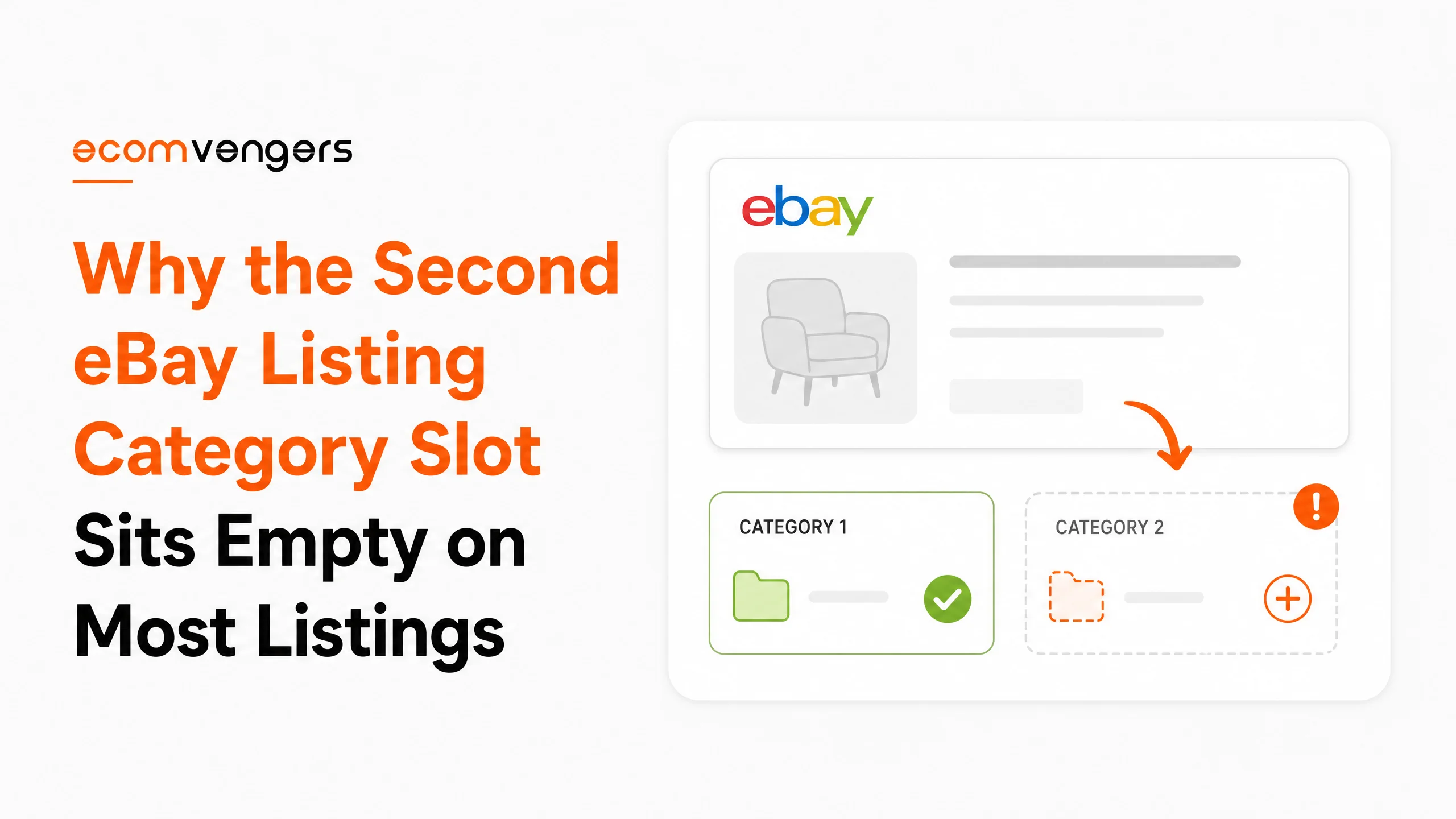
There is a second category slot on every eBay listing form.
Almost nobody fills it in. The sellers who do rarely know what they agreed to.
It carries a fee. That fee applies even on a free listing. Several categories refuse the slot outright, and on a listing with variations it can switch them off.
So it is both underused and easy to regret, rather like a second helping of trifle.
Category audits land on our desk most months. Usually after a seller notices one product line has gone quiet.
What the slot buys you, and the five ways it costs.
Key Takeaways
- eBay fills your category in from the title, so a vague title gives you a vague shelf.
- Buyers browse by category all the time, which decides whether they ever reach you.
- eBay can change your category itself when the one you picked does not fit.
- A second category widens reach, and eBay charges a fee for it.
- That fee applies even on a free listing.
- Your item must be fully relevant to both, not loosely related to the second.
- Motor vehicles and real estate refuse a second slot entirely.
- DVD and Blu-ray blocks a second category from either direction.
- A second category that lacks variations turns variations off for the whole listing.
- eBay tells sellers with variations to consider using one category only.
- Category accuracy sits inside the search manipulation policy.
- eBay looks into complaints and moves listings that sit in the wrong place.
What an eBay Listing Category Actually Does
It decides which shelf you sit on. Shelves are how a lot of buyers shop.
eBay sorts items into categories so buyers can find things. It also says that lots of buyers refine a search by category. Pick the right one and your item is easier to find.
That is a different job from the title. A title matches the words somebody typed. A category matches the route they took.
Both matter, and they matter apart. A perfect title on the wrong shelf still misses every buyer who narrowed the results first.
Your title picks the category before you do
eBay fills the field in for you, from suggestions based on your title.
Read that again. The chain runs the opposite way from how sellers think about it. A vague title gives a vague suggestion, and most people take the suggestion.
You can override it. eBay offers a search and a browse option when you disagree. It also remembers what you used before, so old choices are quick to reuse.
So writing the title properly fixes two fields at once. There is more on that in the line where eBay listing titles turn into keyword spam.
eBay can move you without asking
The help page carries a quiet line about this.
Sometimes eBay changes the category itself. It does that when your choice does not match the item. There is no appeal, and no notice worth the name.
Sellers find out weeks later. They are usually hunting for why one product line stopped selling. Check the live shelf on your best sellers. It takes five minutes, and nobody does it.
What the Second eBay Listing Category Costs
A fee, and a condition most sellers skim past.
eBay is clear about the benefit. Listing in two categories raises the chance that an interested buyer finds your item. You add it in the product details section of the form.
Then comes the bill. You pay an insertion fee for the second category, and eBay states that this fee applies even when you are using a free listing.
That last clause is the one that stings. Sellers on a free listing allowance assume the whole listing is free, then find a charge sitting against it.
Worth knowing: the second category fee applies even on a free listing. eBay states that directly, and it is the part sellers meet on the invoice.
Fully relevant to both, not nearly relevant
eBay sets a bar here, and it is higher than sellers treat it.
Your item needs to be fully relevant to both categories. Its own example is a vintage table from Japan, which fits Asian antiques and antique furniture equally well.
Notice what that example is not. It is not a phone case listed in phone cases and again in phones, hoping to catch the bigger crowd.
The second slot is for genuinely dual nature items. Use it as a second shot at a busier category and you are in policy territory rather than strategy.
Where eBay Refuses a Second Category
Several places, and the list is worth knowing before you plan around it.
Motor vehicles and real estate allow one category and nothing more. In business and industrial the block covers heavy equipment, concession trailers and carts, commercial printing presses, and imaging and aesthetics equipment.
Consumer electronics blocks two of its own. GPS units and iPods and MP3 players both refuse a partner category.
DVD and Blu-ray discs works differently again. Choose it first and the second slot disappears. Choose it second and eBay strips it out before your listing goes live.
None of this produces an error you would notice. The field simply stops offering the option, or the value quietly vanishes, which is why sellers think the feature is broken rather than restricted.
How a Second Category Switches Off Your Variations
This is the expensive one, and the form never warns you.
Variations depend on variation details and item specifics. A second category may not carry those fields at all.
Key point: a second category that does not support variations disables variations on the whole listing. Not just that category. The whole listing.
So eBay states the consequence directly. Pick a second category that does not allow variations, and you cannot create a listing with variations.
Read the scope of that. The block is not limited to the second category. Your whole listing loses variations.
eBay’s own advice follows. Where you are building a listing with variations, consider using only one category.
That is a real trade and worth pricing honestly. One extra browse path, against the ability to hold every size and colour in one place. The case for consolidating sits in why splitting eBay listing variations costs you Best Match placement.
Which categories support variations at all
eBay names a set, then hands you a tool for the rest.
The named ones are baby clothing, shoes and accessories, crafts, health and beauty, most of home and garden, jewellery and watches, pet supplies, and sporting goods.
For anything else, eBay points you at its category look up tool. Check yours there rather than guessing, because the answer changes what your listing can be.
Why Your eBay Listing Category Feeds Item Specifics
The category decides which fields you are even offered.
Item specifics are not a fixed list. They come from the category, so a shoe category offers width and a camera category does not.
Move the listing and the fields move with it. A category change can leave specifics blank that were filled a moment earlier.
Blank specifics have a cost of their own. Buyers who filter never see the listing, which is the whole argument in why empty eBay item specifics delete you from filtered search.
So a category audit is really two jobs. Check the shelf, then check the fields the shelf gave you.
When a Wrong eBay Category Becomes a Policy Problem
Sooner than most sellers assume, because eBay files this under search manipulation.
The policy asks you to describe items accurately, write a clear title, and list in the appropriate categories. All three sit in the same paragraph.
eBay is direct about enforcement too. It looks into complaints and moves listings where it needs to.
A single misfiled listing is a correction. A catalogue filed into a busier category on purpose is a pattern, and patterns are what turn a listing issue into an account issue.
The same policy lists the actions eBay may take. They run from removing a listing through to suspending an account, and eBay promises no order between them.
How to Audit the Categories on a Live Catalogue
Start with the listings that earn, not the ones that annoy you.
Export and sort by revenue
Pull your active listings with the category column included. Sort by sales over the last ninety days.
Your top fifty carry most of the money. Those are the ones where a wrong shelf is actually costing you something.
Compare your shelf against the top results
Search the way a buyer would, then look at where the winning listings sit.
If the first page of results sits in one category and you sit in another, you have your answer. That is a five minute check per product family.
Do not copy blindly, though. A rival can be in the wrong place too, and popularity is not proof.
Check the specifics after every move
Changing a category changes the fields on offer.
So a move is never one edit. Shift the listing, then refill whatever the new shelf asks for, then confirm the old values survived.
Sellers who skip that step gain a better category and lose their filters. It is a poor trade and an easy one to make.
Move in batches and wait
Shift one product family, then leave it a fortnight before the next.
Impressions tell you whether the new shelf is busier. Moving the whole catalogue at once removes your ability to know.
There is a second reason to leave the top fifty until last in any big move. Those listings carry the sales history you rely on, so an experiment there is expensive.
Test the theory on a mid table product family first. If the new shelf lifts impressions there, you have evidence rather than a hunch, and evidence is cheap at that end of the catalogue.
How to Choose Between Two Plausible eBay Categories
Most items have one obvious shelf. The interesting ones have two.
A leather camera strap belongs in camera accessories. It also belongs in leather goods. Both are true, and only one can be your primary.
Three questions settle it faster than instinct does.
Which shelf offers the fields your item needs
Open both categories and look at the item specifics on offer.
One will let you state the mount, the length and the material. The other will offer two fields and a shrug.
Pick the richer one. More fields means more filters you appear in, and filters are how buyers narrow a busy category down to yours.
Which shelf the buyer would browse
Think about the person doing the shopping, not the object sitting in front of you.
Somebody buying a camera strap is shopping for camera gear that day. They are not browsing leather goods and hoping to find a strap.
The category that matches the shopping trip beats the category that matches the material every time.
Which shelf you can actually win
Volume is not the same as opportunity, and the busiest shelf is rarely the kindest one.
A category with ten thousand listings and forty established sellers is a hard room. A quieter one where your record already stands up can produce more sales from fewer impressions.
New accounts especially should think about this. Where your history is thin, the busy shelf is where thin histories go to be ignored.
What a Category Change Does to a Live eBay Listing
More than sellers expect, because other things are wired to the category.
Item specifics are the obvious casualty, and we covered those above. Two others catch people out.
Rule based ad campaigns can drop the listing
Promoted Listings lets you build a campaign from a rule rather than a hand picked list.
Category is one of the criteria you can set that rule on, alongside price range, brand, condition, days on site and quantity available. eBay reviews your inventory daily against it.
So a listing that no longer matches the rule gets removed from the campaign automatically. Move a category on Monday and your advertising quietly stops on Tuesday. There is more on how those campaigns bill in why eBay Promoted Listings bill you two completely different ways.
Variations can vanish on the way across
A category that does not support variations cannot hold a variation listing.
Check the destination before you move anything with a dropdown on it. Discovering the limit after the move is a rebuild rather than an edit.
Parts sellers get a further wrinkle. Where compatibility data is attached, that data has to apply across every variation in the listing.
Store categories are a separate thing entirely
This trips up sellers with a shop front, and the names do not help.
Your store categories are the menu inside your own shop. They organise your listings for someone already browsing you.
eBay categories are the marketplace shelves. They decide whether a stranger ever arrives.
Tidying the first does nothing for the second. Sellers spend afternoons rearranging a shop menu and wonder why search never noticed.
What an eBay Listing Category Cannot Fix
A shelf decides where you are shown. It does not decide whether anyone buys.
Move a listing with poor photographs into a busier category and you get more people declining to buy it. The listing still has to convert once it is found.
Categories also cannot lift an account that has slipped. Best Match weighs your record as a seller, and that weight follows you onto every shelf. The route out is in getting off eBay Below Standard.
One more honest limit. A busier category means more competition, not just more traffic. Being the eightieth result somewhere popular can be worse than the fourth result somewhere quiet.
What the category cannot tell a buyer
A shelf carries no information about condition, and buyers care about that more than anything else on the page.
Two identical items can sit side by side in the same category. One is boxed and unused, the other has a scratch across the lid.
The category treats them as equals. Your photographs and your condition notes are what separate them, and getting that wrong produces returns rather than sales.
So a category move is worth doing, and it is never the whole job. The standards for the images sit in why eBay listing photos with text vanish from external search.
Frequently Asked Questions
Does a second eBay category cost extra?
Yes. eBay charges an insertion fee for it, and that fee applies even when you are using a free listing.
Can I list in two categories to reach more buyers?
Only where the item is fully relevant to both. Using the slot to reach a busier crowd is a search manipulation matter, not a growth tactic.
Will changing my eBay category reset my sales history?
eBay does not publish an answer, so anyone stating one is guessing. What it does say is that live listings missing key details are worth updating, which points the other way.
Why did eBay change my listing category?
Because your choice did not match the item. eBay says it sometimes changes the category itself, and it also moves listings after complaints.
Can I use variations and two categories together?
Only if the second category supports variations. Where it does not, the whole listing loses them, and eBay advises variation sellers to use one category.
Where can I get help with a category audit?
Start with your own export and the category look up tool. On a large catalogue the sorting is the slow part, and that audit is what our eBay SEO services team does alongside the titles.
How does eBay choose my listing category?
It pre-fills a suggestion from your title. You can override it with a category search or by browsing, and eBay remembers categories you used before.
Can every category take a second category?
No. Motor vehicles and real estate allow one only. Several business and industrial categories refuse it, as do GPS units and MP3 players, and DVD and Blu-ray blocks it from either direction.
Does the category decide my item specifics?
Yes. Specifics come from the category, so a shoe category offers width where a camera category does not. Move a listing and the available fields move too.
Is a busier eBay category always better?
No. A busier category brings more competition alongside the traffic. Being the eightieth result somewhere popular can earn less than the fourth result somewhere quiet.
What is the difference between store categories and eBay categories?
Store categories organise your own shop for someone already browsing you. eBay categories are the marketplace shelves that decide whether a stranger arrives at all.
Can a category change break my Promoted Listings campaign?
Where the campaign uses rule based selection, yes. Category is one of the criteria, and eBay reviews inventory daily, so a listing that stops matching gets removed automatically.
Pick the Shelf, Then Earn the Spot
A category is the cheapest decision on the listing form. It is also the one most sellers make once and never look at again.
Four steps, in this order, if you are auditing a catalogue this month.
First, check where your top fifty listings actually sit today. eBay may have moved some of them, and it does not make a fuss when it does.
Second, compare each one against the categories the winning results use. Where you differ, ask which shelf a buyer would browse rather than which one you prefer.
Third, refill your item specifics after any move. New shelf, new fields, and the old values do not always survive the trip.
Fourth, leave the second slot alone unless the item genuinely belongs in both places. It costs a fee, several categories refuse it, and on a variation listing it can cost you the variations.
Worth keeping in view while you work: a category is a route, not a rank. It decides which buyers can reach you, and nothing at all about whether you deserve to be at the top once they do. That part is still the photographs, the price and your record.
Get the shelf right, then go and earn the spot on it.
Sources
- eBay, Adding a category to your listing, on category suggestions from your title, eBay changing a category that does not match, the second category insertion fee, the full relevance requirement, the excluded categories and the variations conflict.
- The search manipulation policy, on listing in appropriate categories and on the actions eBay may take, up to and including account suspension.
- Guidance on listings with variations, on the variation details and item specifics that a second category may not carry.
- Our own examples come from client catalogues we have audited, and the wider guides sit in the EcomVengers blog.
One job to line up next. A category move changes who sees the listing, and the title decides whether they click it. Ours is free to run a title through at the listing title analyser before you move anything.
Where a whole catalogue has drifted into the wrong shelves, and on a few thousand listings it usually has, that audit is the work we do. Tell us the category you sell in and we will tell you what it allows.

Ali Khan is the founder of EcomVengers, the eBay growth and account recovery agency. He has spent the better part of a decade pulling suspended sellers back from MC011 and MC999 notices, repairing wrecked defect rates, and turning buried listings into ranked ones. When eBay's villains show up, he is the one sellers call. You handle the millions, he handles the villains.
View all posts by Ali Khan